31
IP2266EN
EN
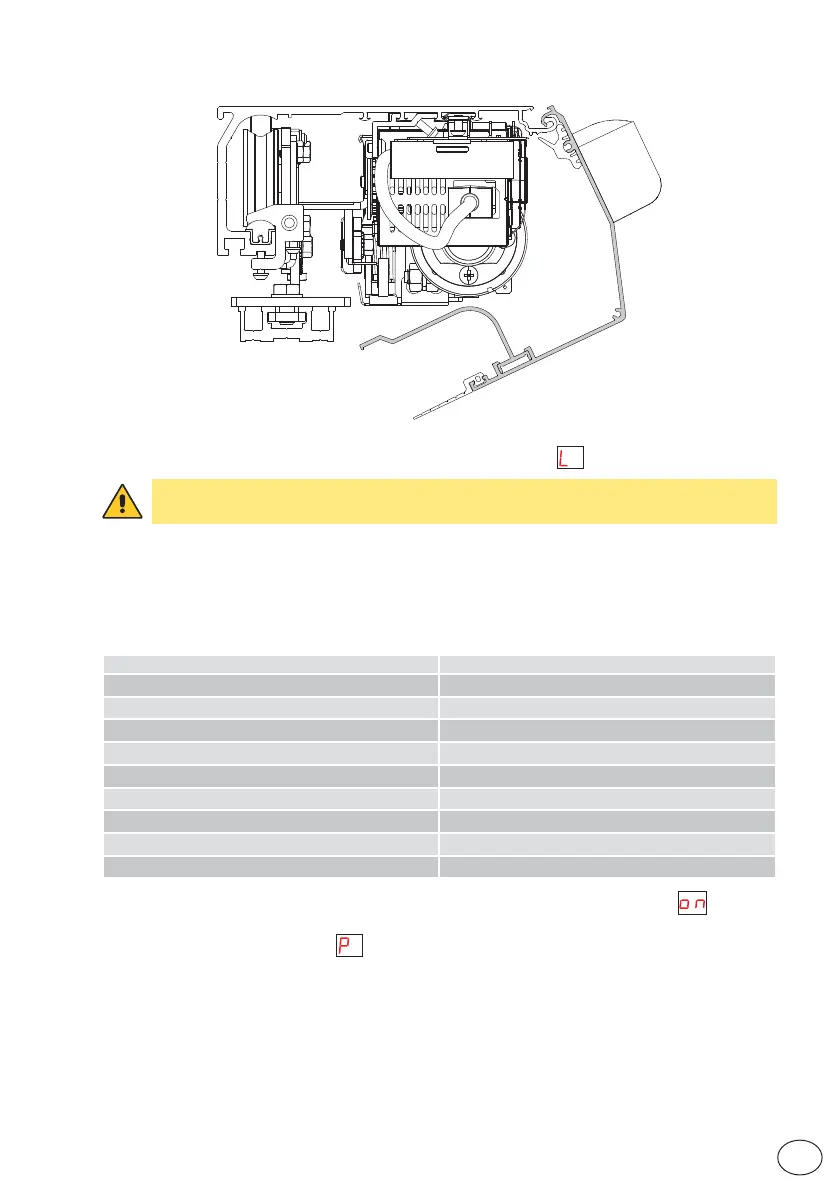
5. *Leave ajar the casing and, if there are safety sensors, check that they are in standby mode
and that there are no people or objects moving in the sensors detection area.
*
6. Press the LEARN button for 2 seconds, the display flashes .
To enable the stroke and weight of the door wings to be acquired correctly, the acqui-
sition phase must be performed with the door wings installed.
7. Free the area of action of the sensors so that they are detected and monitored during the
learning cycle.
8. The automation performs opening and closing operations.
During this cycle, the following accessories connected to the control panel are recognised and
some parameters detected:
Accessory / Parameter Parameter number
High Speed Closing 02
Presence of block and type, except bistable lock 05, 06, 98
Whether the sensors are monitored or not 9, 16, 29, 31, 91
Presence of battery and type 41
Power supply type 64
Door type 67
Measurement of width of passage opening -
Calculation of weight of door wing(s) 68
Calculation of friction in the system 69
At the end of the learning cycle, the door remains closed and the display indicates .
If some parameters have not been automatically configured during the learning cycle, the door
opens. The display first indicates , and then the parameter that has not been acquired auto-
matically, for example, if the door is a 2-wing or 1-wing door (parameter 67).
These parameters must be configured by the installer and/or check that there are no obstacles
and friction which prevents correct learning.


 To Next Page