32
IP2266EN
EN
1. Press the SELECT button to start to modify the parameters.
2. Press SELECT again to display the parameter value in flashing mode.
3. Select the correct value using the UP and DOWN buttons.
4. Press SELECT to confirm and program the selected value.
5. Continue to configure the other parameters that have not been acquired
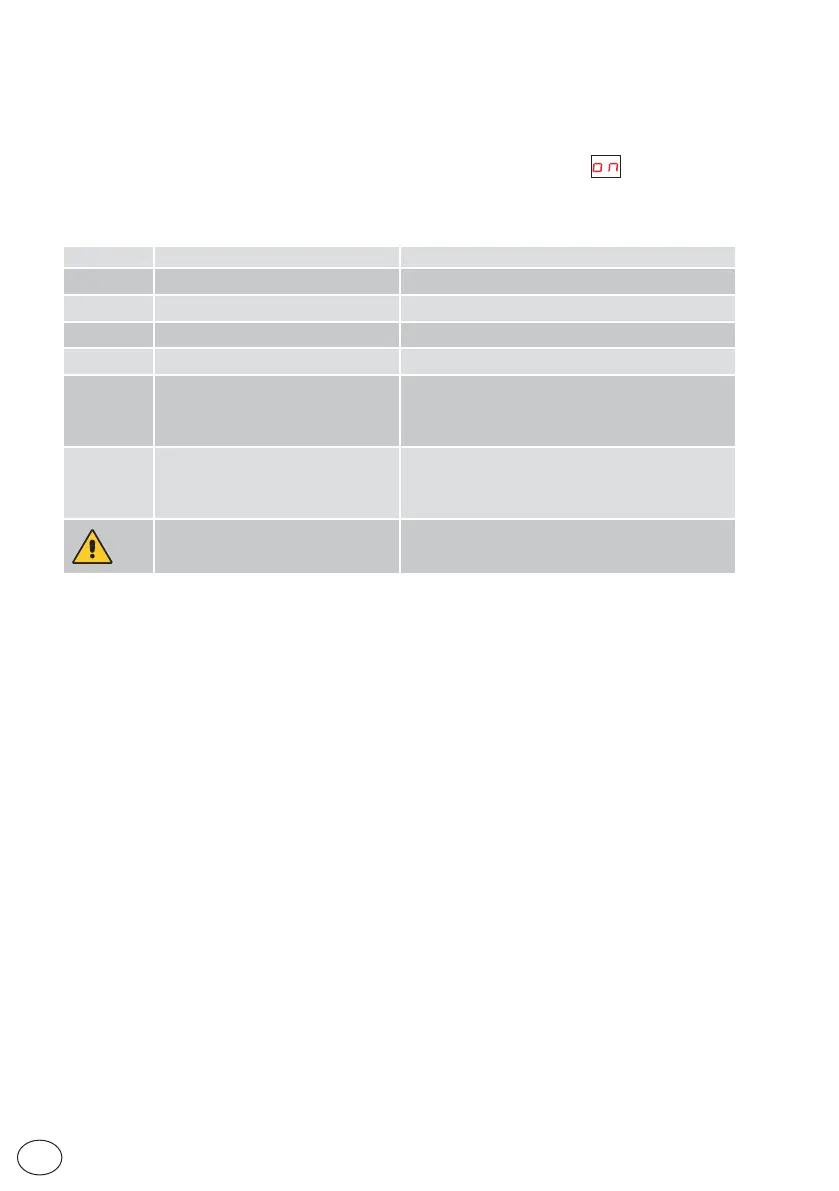
6. Press LEARN/EXIT for more than 2 seconds and the display will indicate , after 2 seconds,
the door closes and is ready for operating.
If necessary, you can adjust the following main parameters:ain parameters:
Parameter Description Settings
00
High Speed Opening (cm/s) 10÷70cm/s
02
High Speed Closing (cm/s) 10÷70cm/s
03
Hold Open Time (00÷60s)
11
Partial opening (00-99%)
15
Run Program (01÷05)
Performance adjustment. Sets how fast or slow the
door shall accelerate or break.
01= Smooth, for light doors.
05= Max Performance. For heavy doors.
38
Convenience battery 24V,
DAS902BAT2 (00÷01)
00= Off
01= On
NOTE: on DAS200RG this display is not visible and is
set to 00.
49
Opening Max Force (02÷23N x10)
If the reopening maneuver occurs too abruptly, set
parameter 49 with a value lower than the factory value
(10), example 04 - 05.
• For other parameter variations, see the “Parameters” chapter.
• Make sure the installation complies with the current regulations and the essential requi-
sites laid down by the relevant authorities.
• At the end of the start-up close the cover and fix it with the appropriate screws, see chapter 5.1.


 To Next Page