Shenzhen Envicool Technology Co., Ltd.
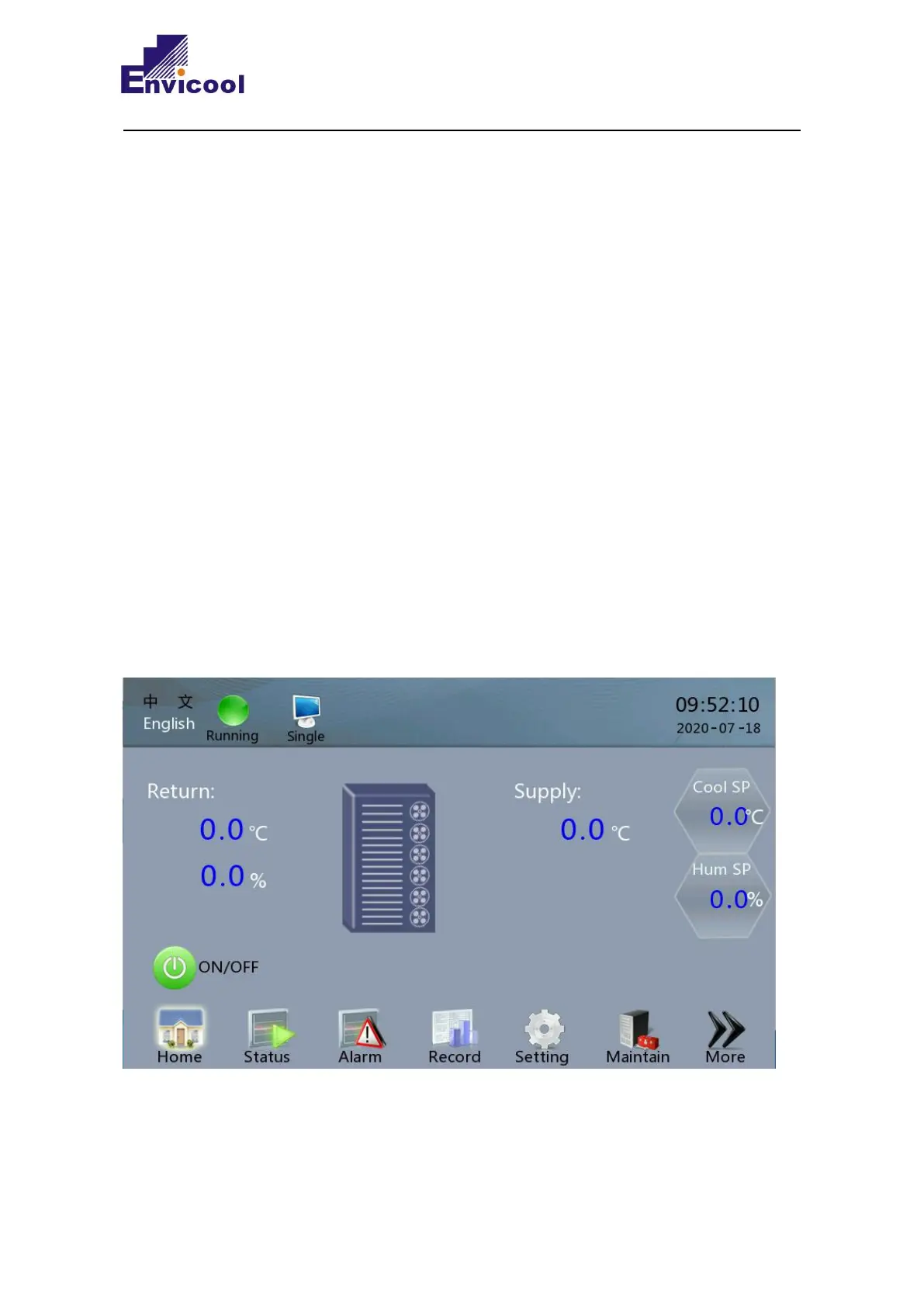
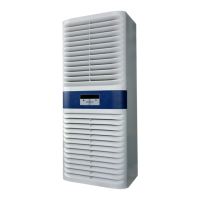
The XRow series indoor unit is equipped with a controller. The control layout is displayed by a
touch screen, and parameter settings are made through the touch screen. The display screen is used
to display the temperature, relative humidity, system operation, set values and alarms. Use these
selection keys to adjust the cooling / heating or humidification and alarm control settings to operate
the system, which is easy to use. This chapter introduces the menu operations and control features.
The unit adopts 7-inch touch screen. The following information is provided through the interface:
parameter setting, alarm record, system running status, etc. The menu adopts touch operation for
menus.
3.2 System menu structure
3.2.1 System standby interface



 To Next Page