Shenzhen Envicool Technology Co., Ltd.
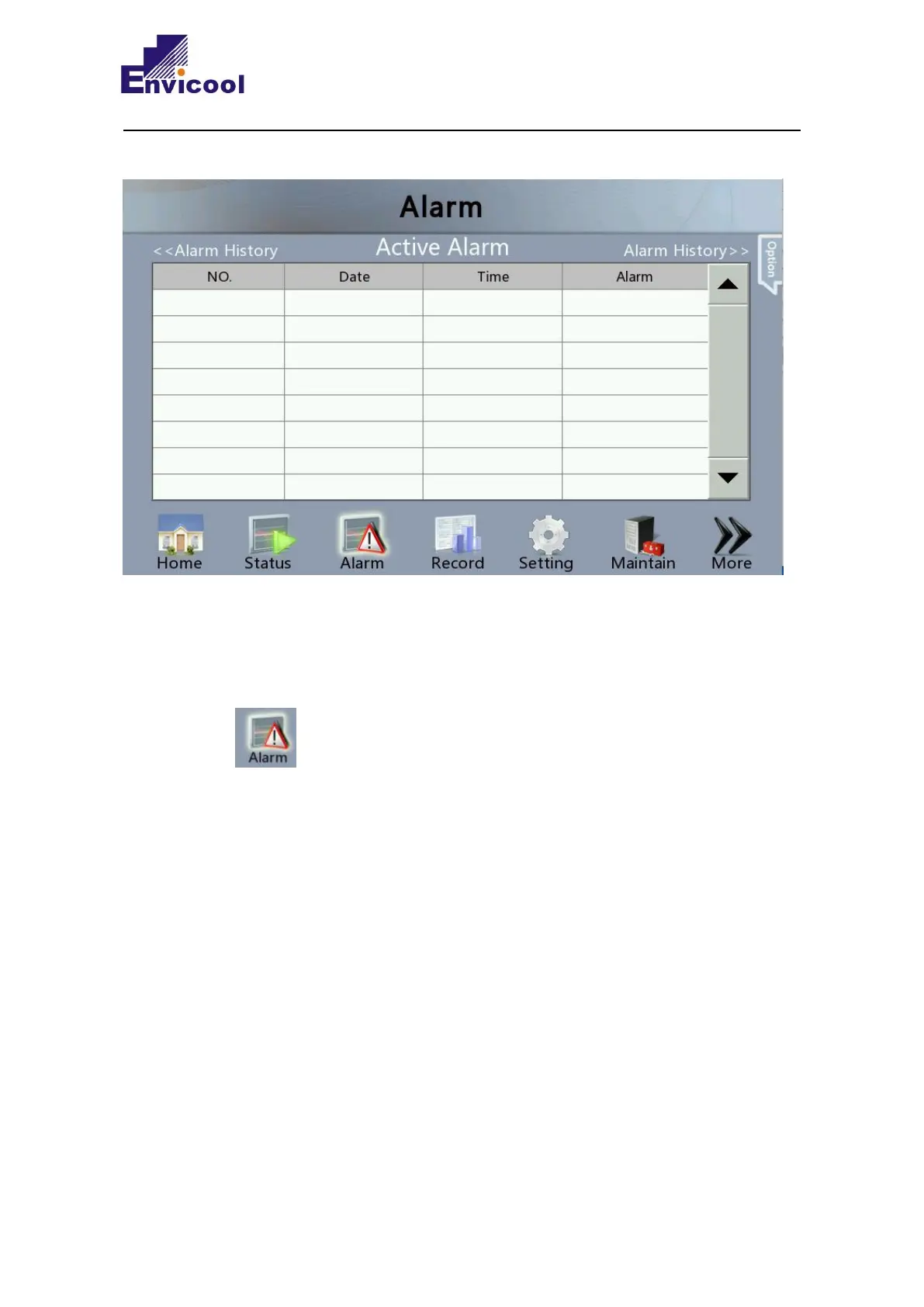
This menu shows the alarm of the active activity. The active alarm is numbered, and the latest
alarm always appears first. The time when the alarm occurred is also recorded and displayed.
You can check the number of alarms through this menu.
Click “ ” on any interface to enter Alarm interface.Click “Active Alarm” on the top of
the interface to enter this interface.



 To Next Page