Shenzhen Envicool Technology Co., Ltd.
System settings, temperature and humidity curve, operating records, historical alarm records
and operating status.
The home page interface displays the current and set values of the current indoor return air
temperature, current and set values of indoor humidity. Press the corresponding button on the
home page to enter the corresponding interface.
After starting up, if keyboard-free operation is maintained for 180s under any interface,
automatically return to the normal display interface.
After the system is powered on, press any key, the backlight is on, and if keyboard-free
operation is maintained for 60s, the backlight will be off.
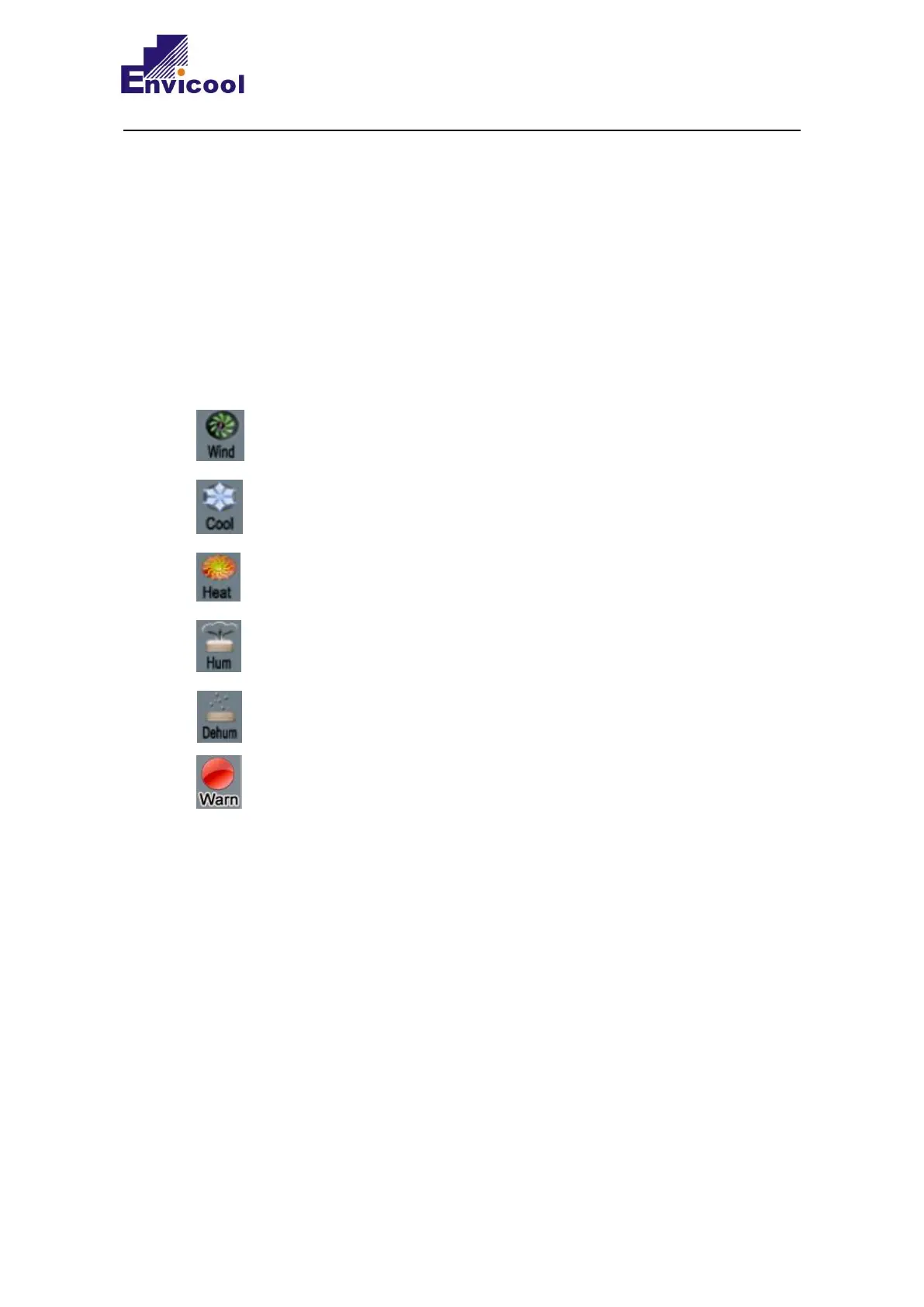
“ ” is the air supply icon, which means that the unit is in the state of air supply;
“ ” is the refrigeration icon, which means that the unit is in the state of refrigeration;
“ ” is the heating icon, which means that the unit starts electric heating;
“ ” is the humidifying icon, which means that the unit starts humidifying;
“ ” is the dehumidifying icon, which means that the unit is in the dehumidifying state;
“ ” is the alarm icon, which means that alarm occurs to the unit;
3.2.5 System Time Setting
Time setting is in the main menu at the top right of this screen;



 To Next Page