Shenzhen Envicool Technology Co.,Ltd. 50011075
Service Hotline:400-188-8966
Address:Building9, Hongxin Industrial Park, Guanlan Street, Longhua District, Shenzhen, China
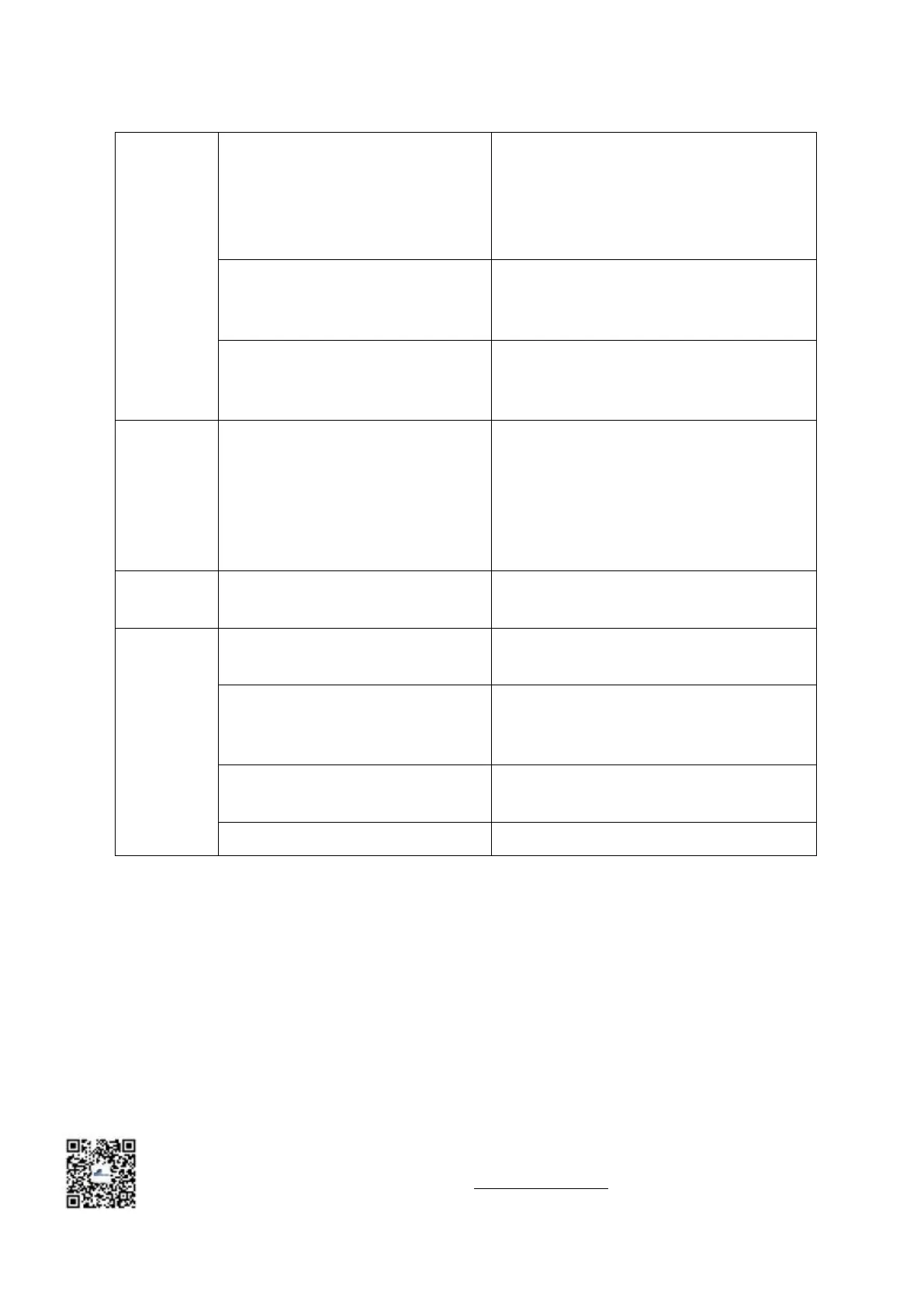
Humidity sensor has failed.
Humidity is shown as a dash. Check the cable
connections from the temperature / humidity
circuit board to the control panel and the remote
control to the control panel. Check temperature
/ humidity circuit board.
Make sure the humidifier is in the “Run”
position. Check the water supply to the
humidifier, including the filter screen.
The water injection rate of the
humidification tank cannot keep up
with the steam discharge rate.
Inspect the screen and capillaries of the water
valve for blockages. Check the water supply
pressure. (10 ~ 40kPa).
Display is
not
responding
or control
keys are not
responding
The circuit is open or shorted.
Check the circuit for open or short circuit and
repair it.
Short circuit or control board failure.
Check the cable connection or replace the
control board.
The "Heating" command is not
displayed on the control panel.
Increase the temperature setting to meet the
heating requirements.
Heating protection is open circuit,
heating contactor failure or interface
board failure.
Check heating contactor and heating
protection; if not, check circuit.
The component is burned out.
Turn off the power. Check the heating element
with an ohmmeter.
Temperature sensor has failed.
Replace with a new temperature sensor.



 To Previous Page