Operations Manual
3. CHARGING
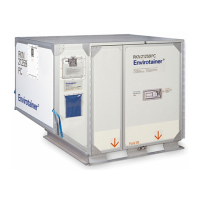
Envirotainer RKN e1 Container
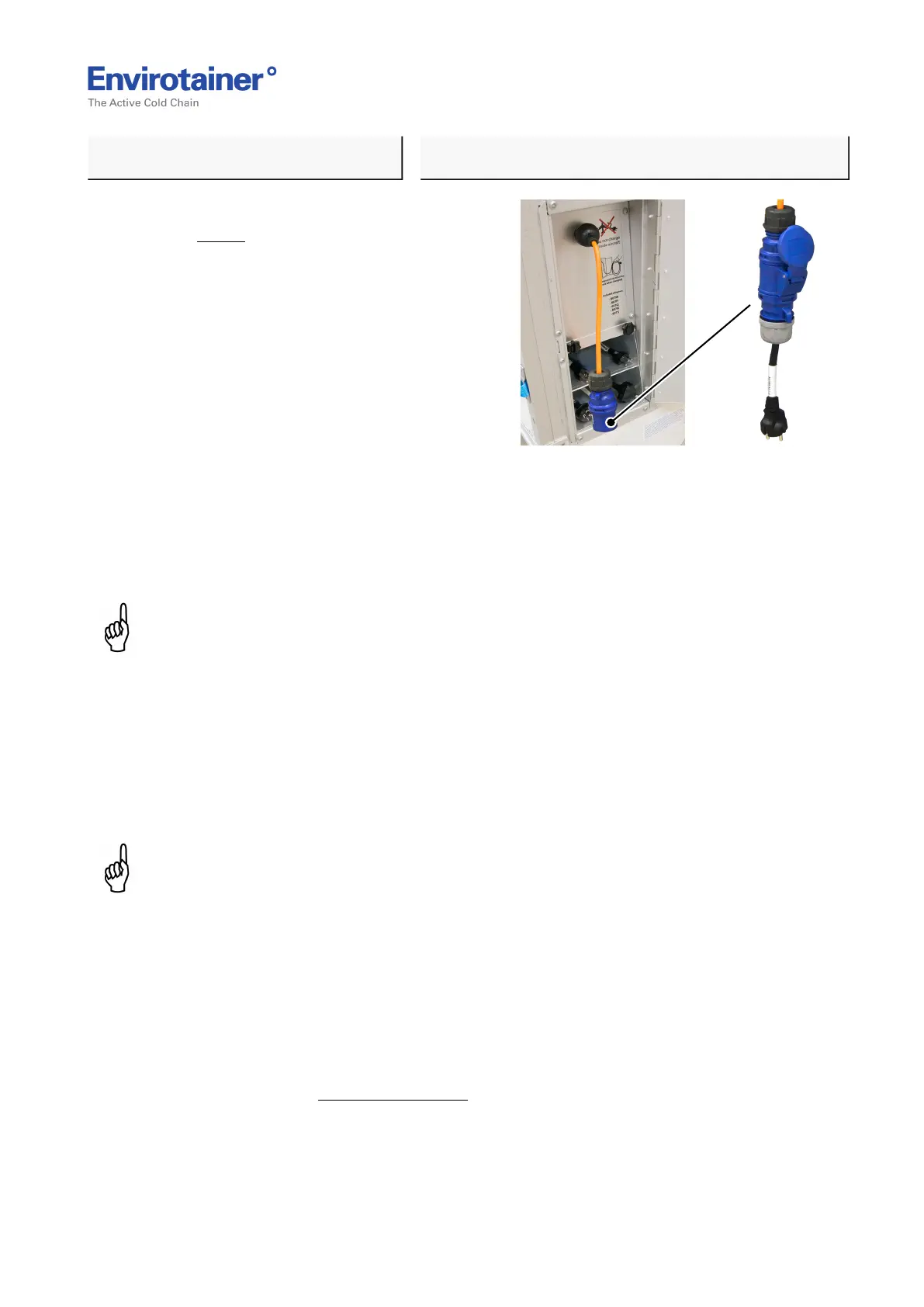
Fig. 3
5. Connect the adapter to the charging cable
(Fig. 3 ).
6. Connect the adapter / blue CEE industry plug to the power supply. The charge indicator
(blue light) on the control unit starts flashing to highlight that charging is in progress.
During the first hour the display will switch between showing ”Container info” and
“Info, Pre-charging, Please wait”.
NOTE:
• It may take up to 30 seconds before the charge indicator starts flashing.
• During the first hour of charging the SOC (battery percentage) is not updated on the display. As
long as the blue charge indicator is flashing, charging is in progress.
• During the first hour the display will switch between showing ”Container info” and “Info,
Pre-charging, Please wait”.
7. When the charging is complete the blue charging indicator will illuminate (fixed light) to
indicate that the charging has been completed.
NOTE:
The charging indicator may illuminate (fixed light) at 95% battery status.
If fixed light occurs at 95% the batteries are considered fully charged.
8. Disconnect the adapter from the power supply and disconnect the adapter from the
charging cable.
9. Ensure all five adapters and the cable for recharging have been properly stored in the
charging unit.
10. Make sure the battery switch is on.
Refer to chapter 6.10 Battery Switch.
Doc No. MO-RKN-3009
Version 2.2: 2017-08-31 7 (42)



 To Next Page