Operations Manual
6. GENERAL CONTAINER HANDLING
GUIDELINES
Envirotainer RKN e1 Container
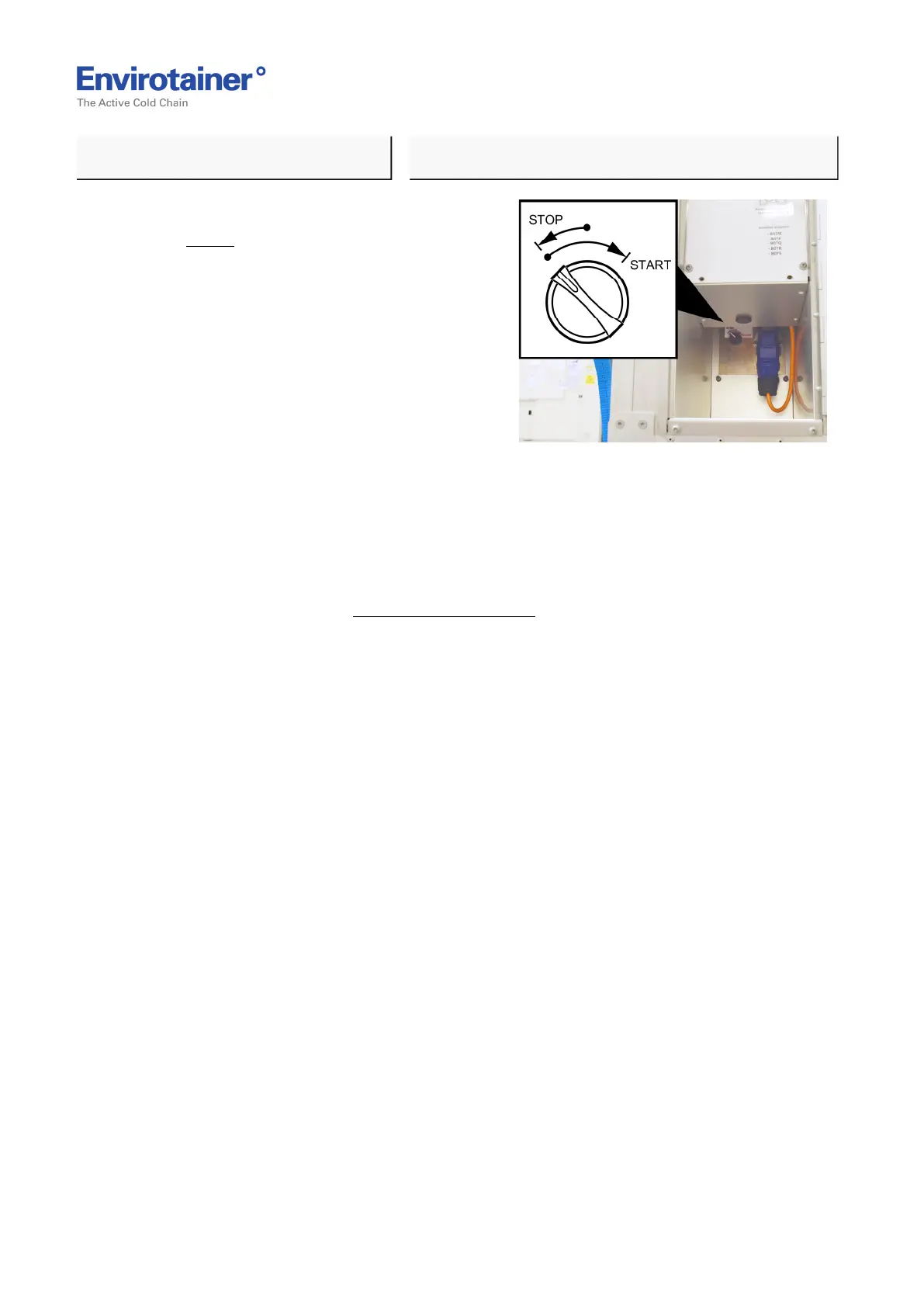
Fig. 8
3. Turn the battery switch to "STOP"
(Fig. 8 ).
When switching on main switch; turn
switch to "START".
(the switch then automatically turns to 1
(one).
4. Re-install the adapter case.
5. During long-time storage the batteries must be fully charged every 30 days due to self-
discharge in the batteries. This can be done without turning the battery switch on
("START").
Please refer to chapter 3.1 Charging Procedure.
Doc No. MO-RKN-3009
Version 2.2: 2017-08-31 16 (42)



 To Next Page