Operations Manual
7. CONTROL UNIT OPERATION — TYPE 1 AND
TYPE 2
Envirotainer RKN e1 Container
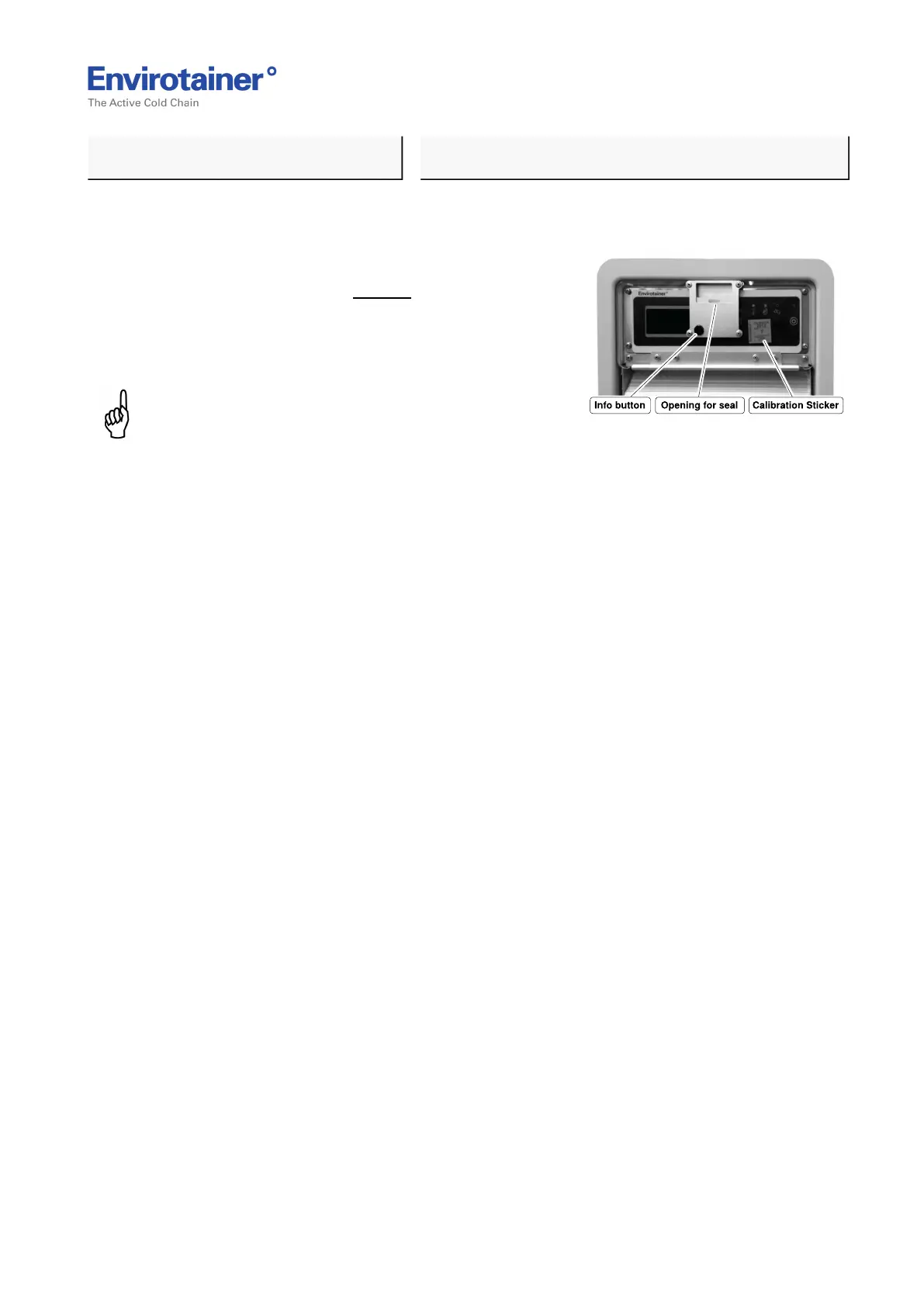
After the control unit has been sealed it is still possible to view information on the display using
the info button.
Fig. 20
The recommended procedure is:
1. Press the Info button (Fig. 20 ) to scroll
between default mode, alarm status and
alert status. The backlight will illuminate
for 20 seconds when the button is pressed.
NOTE:
It is only possible to toggle through the menu with
this button but no changes to the set temp or other
can be made.
Doc No. MO-RKN-3009
Version 2.2: 2017-08-31 27 (42)



 To Next Page