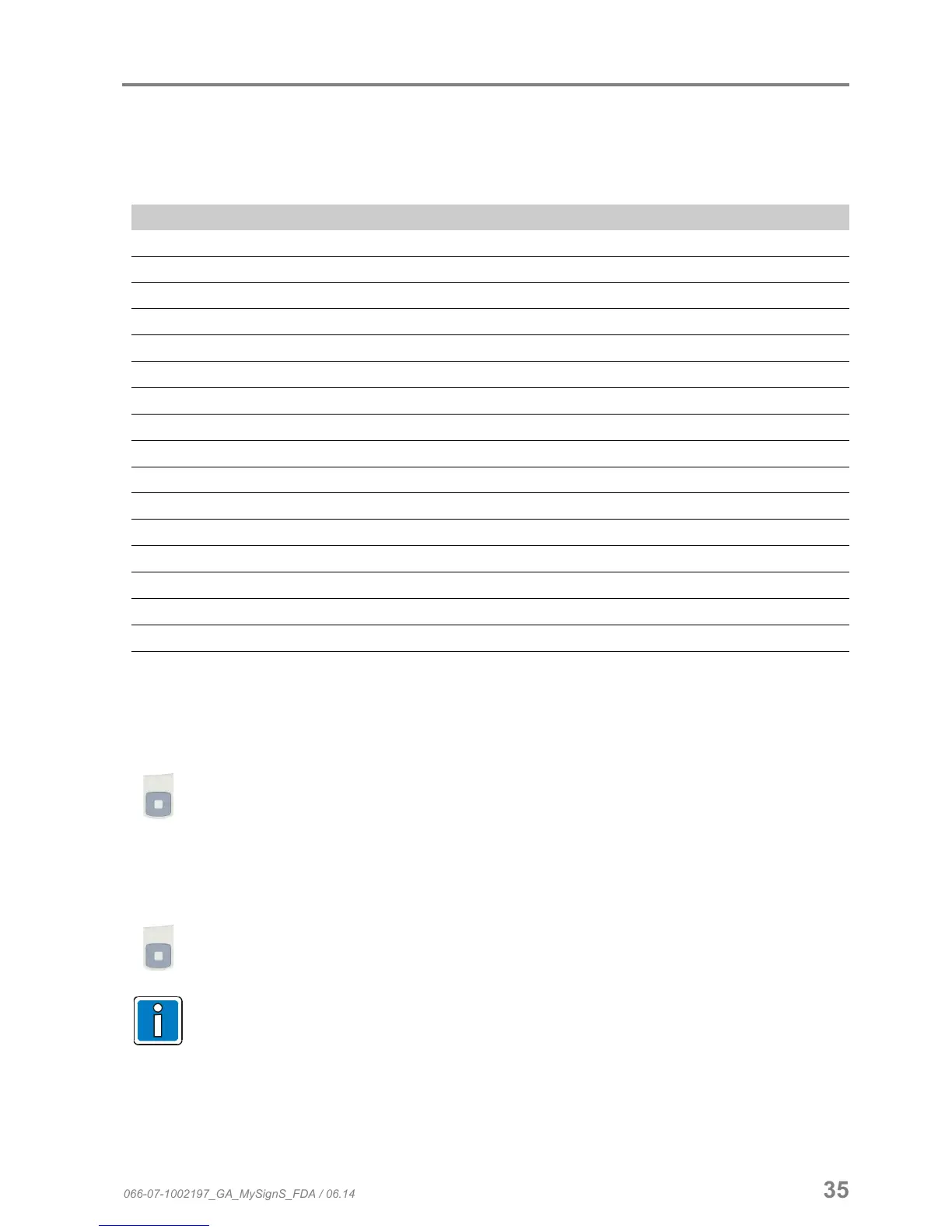
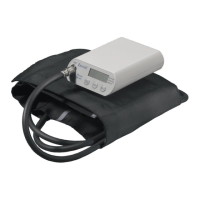
Pulse oximeter MySign
®
S
6.8.4 Reset device (factory setting)
Here, the unit can be reset to the factory settings or user settings. The user settings are defined using the PC
software.
Factory settings
Pulse sound 3
Alarm sound On
Alarm sound volume 7
Reminder signal On
Application indicator On
Key sound On
Patient type Adult
SpO2 upper limit 100
SpO2 lower limit 90
BpM upper limit 120
BpM lower limit 50
View mode Measurement value
Display brightness 8
Auto-off (display) 1 (when not connected to power supply)
Auto-rotation Off
Saving interval 10 s
Language English
6.8.5 Key sound
This menu can be used to switch on or off the audio signal that is sounded when a key is pressed.
Switch the function “Key sound” on or off in the “General settings” menu.
6.8.6 Pulse sound
This menu can be used to switch on or off the audio signal for the pulse.
Switch the function “Pulse sound” on or off in the “General settings” menu.
In the normal measurement mode, the volume of the pulse sound can be changed or switched off
with the select keys (UP / DOWN).
066-07-1002197_GA_MySignS_FDA / 06.14 35


 To Next Page