11 / 48
3 Installation
3.1 Software
• Put the PhysioQuant CD in your CD-ROM drive.
• If the 'Auto start Function' of your CD-ROM drive is activated, then
installation will begin automatically. If not:
- Open Windows Explorer, select your CD-ROM-drive and
double click on setup.exe.
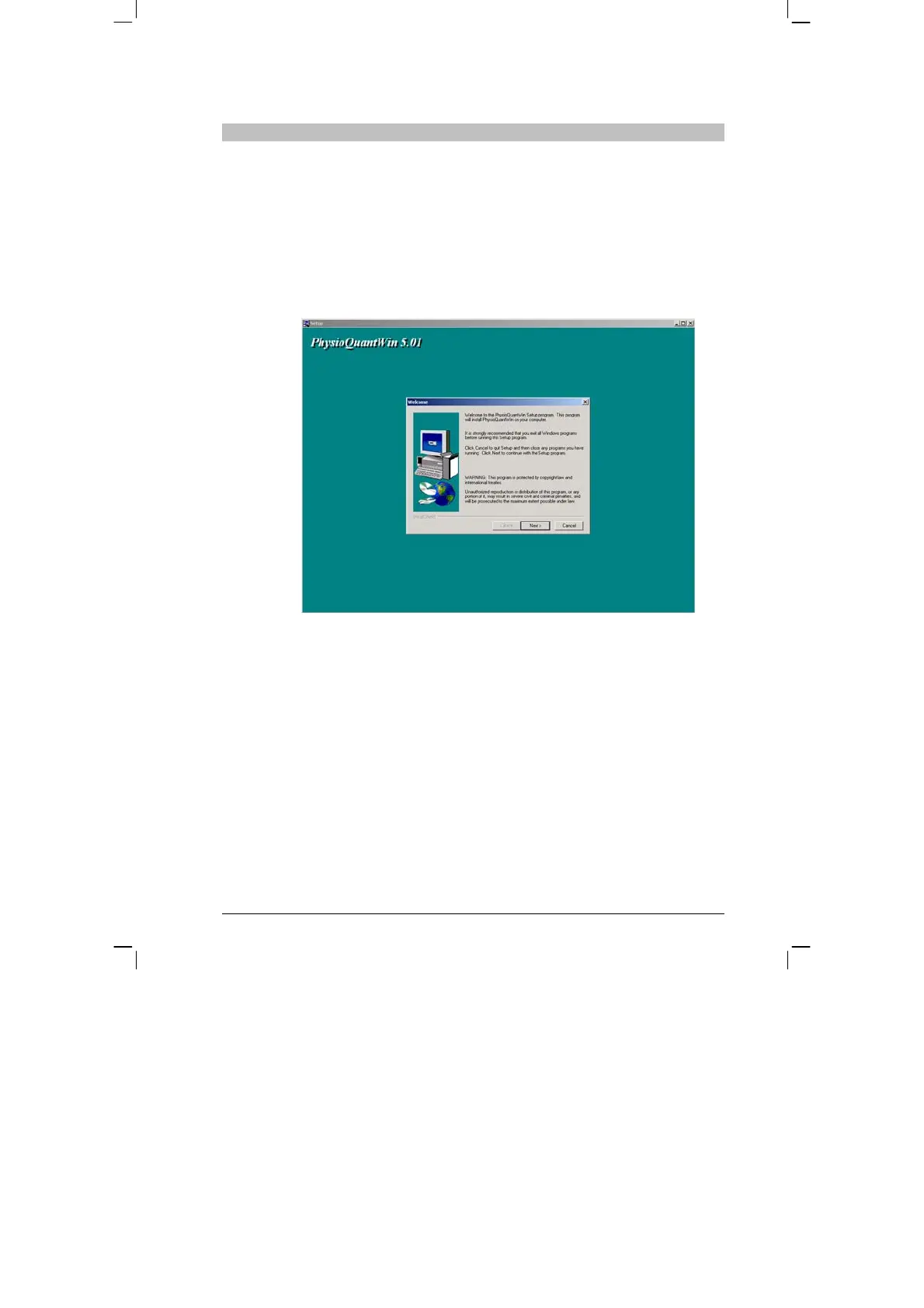
• The installation wizard appears:
• Confirm that you are to start the installation by clicking on [Next]
and follow the on-screen instructions.


 To Next Page