17 / 48
3.3 Attaching the connecting cable to the recorder
In order to start the recorder and read information from it, the recorder
must be connected to the PC via a special connecting cable.
This special connecting cable is connected to a free serial interface of
the PC ('COM x') via the 9-pin DSB port.
If the recorder only has a USB connection, then the connection can also
be made by using one of the commercially available USB-to-serial
converters.
Please contact your specialist dealer for more information.
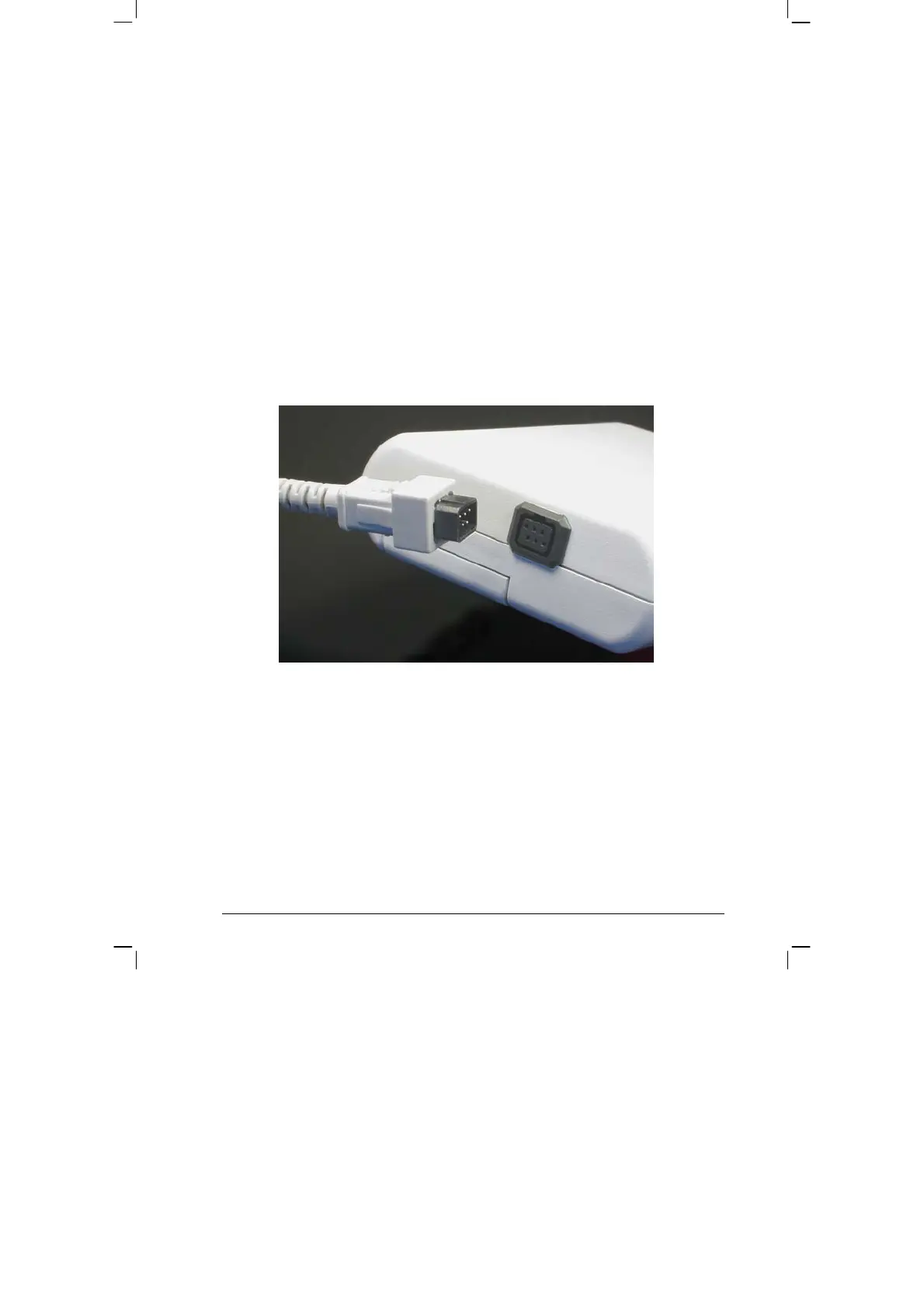
The cable also needs to be plugged into the 6-pin, black port, which is
located at the back of the casing of the device. Please ensure that the
plug is in the right position when connecting it ('nose' up):


 To Next Page