28 / 48
6.3 Selecting a patient
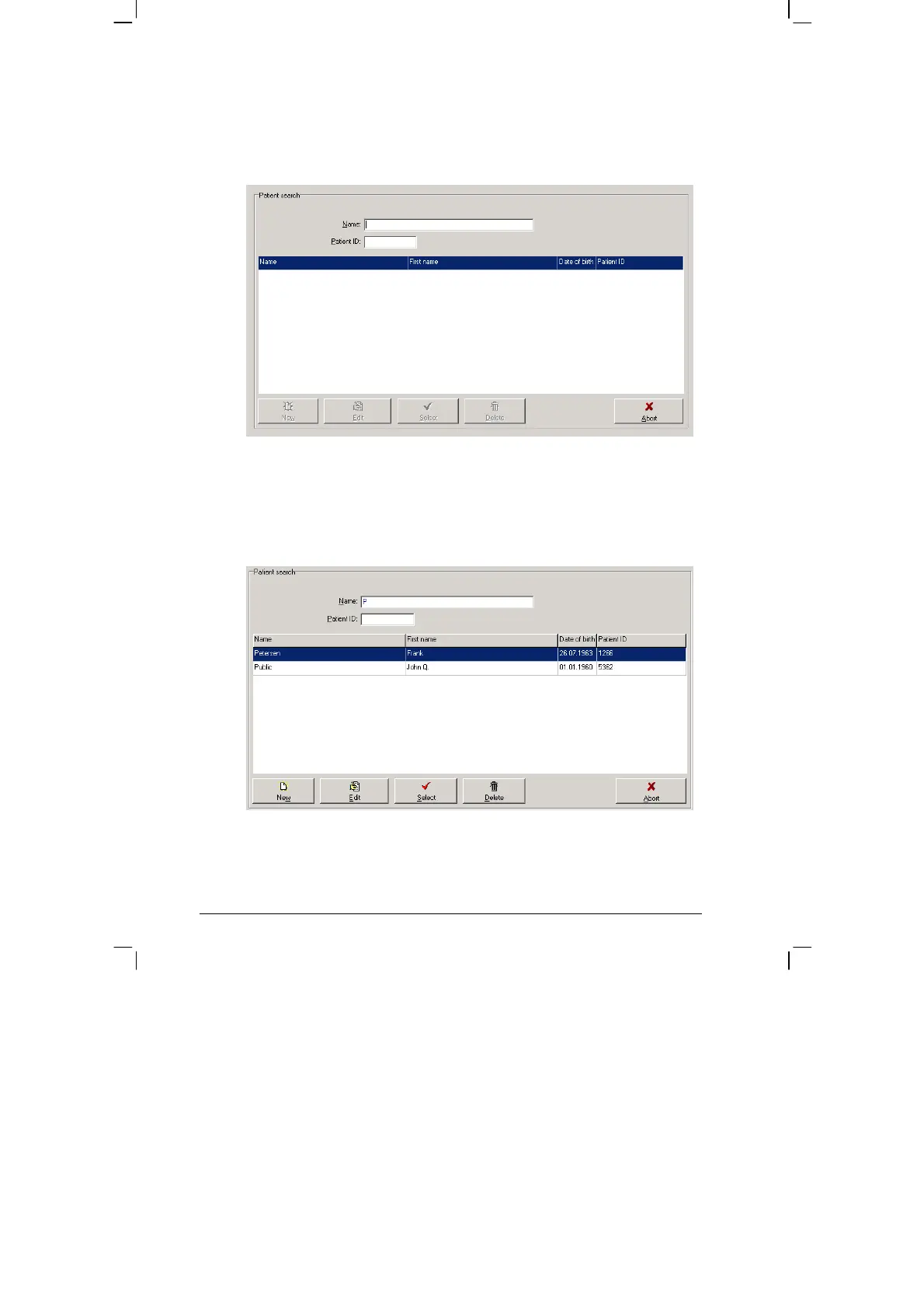
The selection window of the patient database appears:
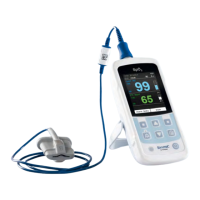
In the 'NAME' field, enter the first letter of the patient's surname. All
patients whose names start with this letter will then be displayed (e.g.
those beginning with P ):
Select the required patient, by double clicking on the relevant line.


 To Next Page