39 / 48
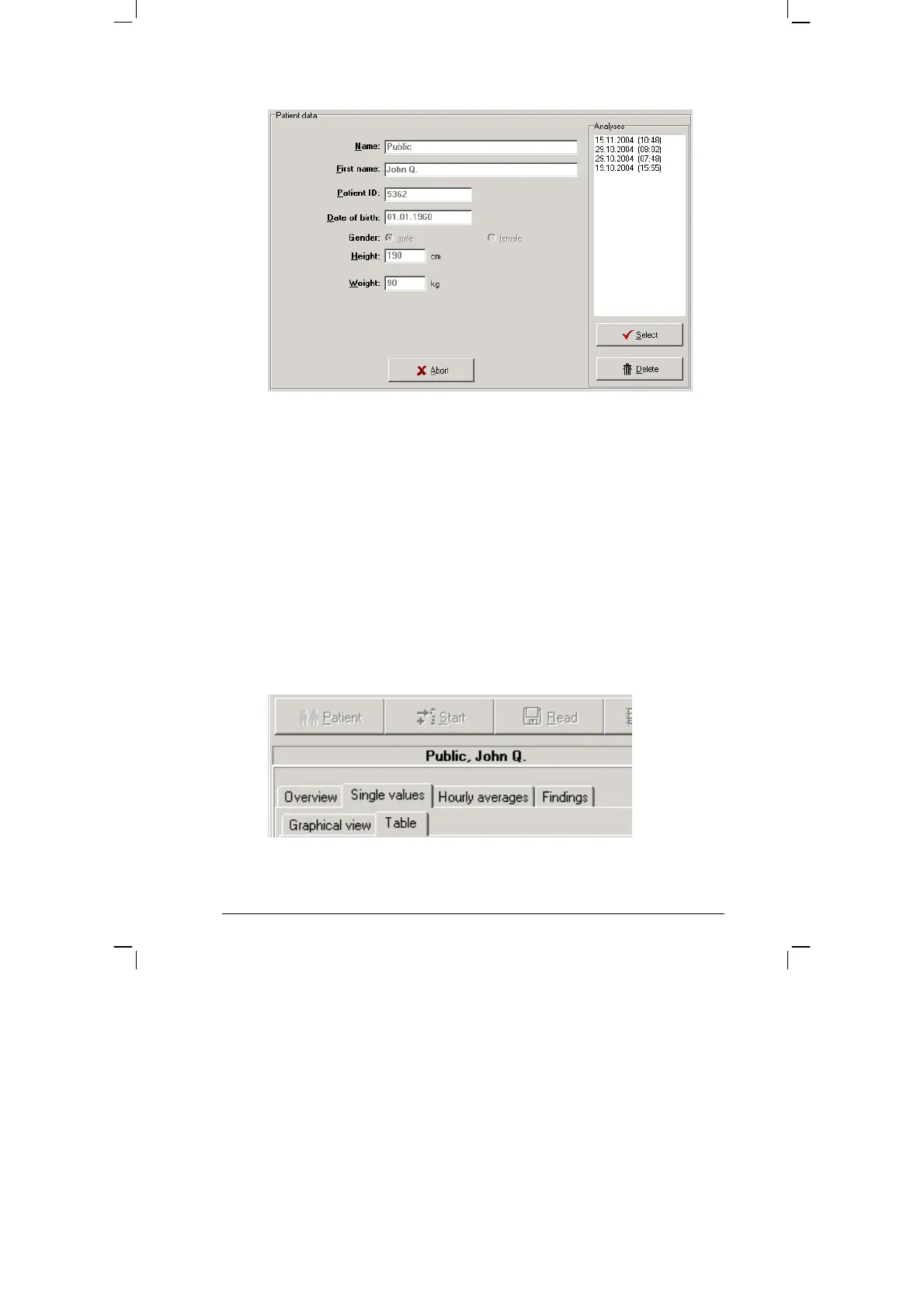
You can request the relevant saved measurement results by double
clicking on the relevant data in the selection window.
Deleting measurement results
In order to delete a specific measurement result from the database, you
need to click on the relevant date line in the selection window (the line
will appear in blue). Then click on [Delete]. After a confirmation message
appears, the result will be deleted.
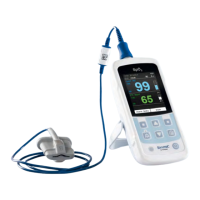
8.3 Representation
The saved measurement values can be represented in various ways, by
clicking on the relevant tabs.


 To Next Page