38 / 48
8 Analysis of Measurement Results
8.1 Starting the programme
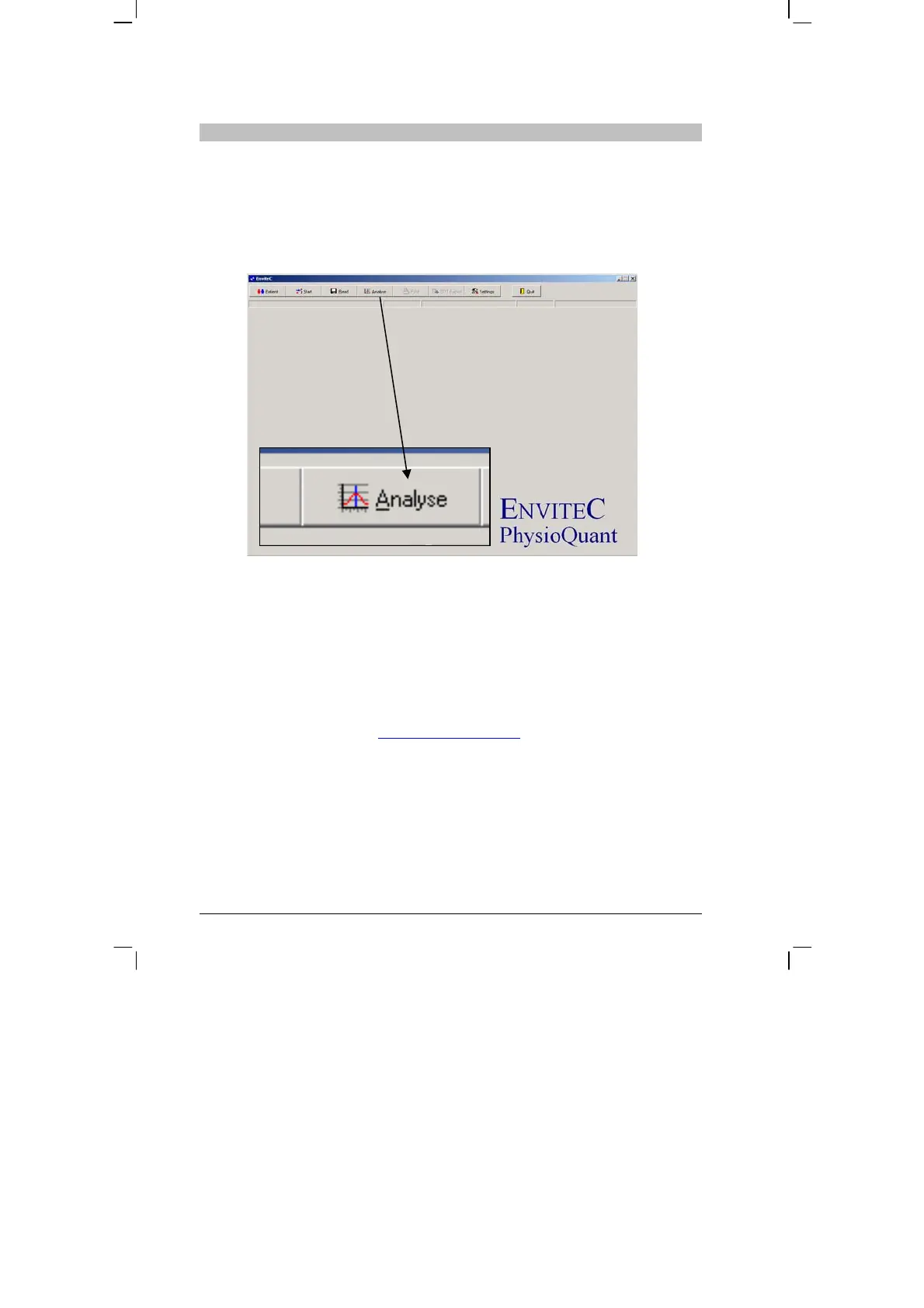
After the PhysioQuant software has started, the main screen appears.
To request saved measurement results, click on the [Analysis] tab to
open the relevant menu:
8.2 Find/delete measurement results
The selection window of the patient database is displayed. Select the
required patient (see 6.3 Selecting a patient,
page 28).
The measurement result selection window appears for those patients
whose data have been stored in the database.


 To Next Page