27 / 48
6 Commencing Long-Term Blood Pressure Measurement
6.1 Connecting the recorder
Connect the PhysioQuant Recorder to the PC (see 3.3 Attaching the
connecting cable to the recorder,17) and switch on the recorder.
The on/off switch is located beneath the lid of the battery compartment.
(see 4 PhysioQuant Recorder
No. 6, page 21)
The recorder display will show
PC
6.2 Starting the programme
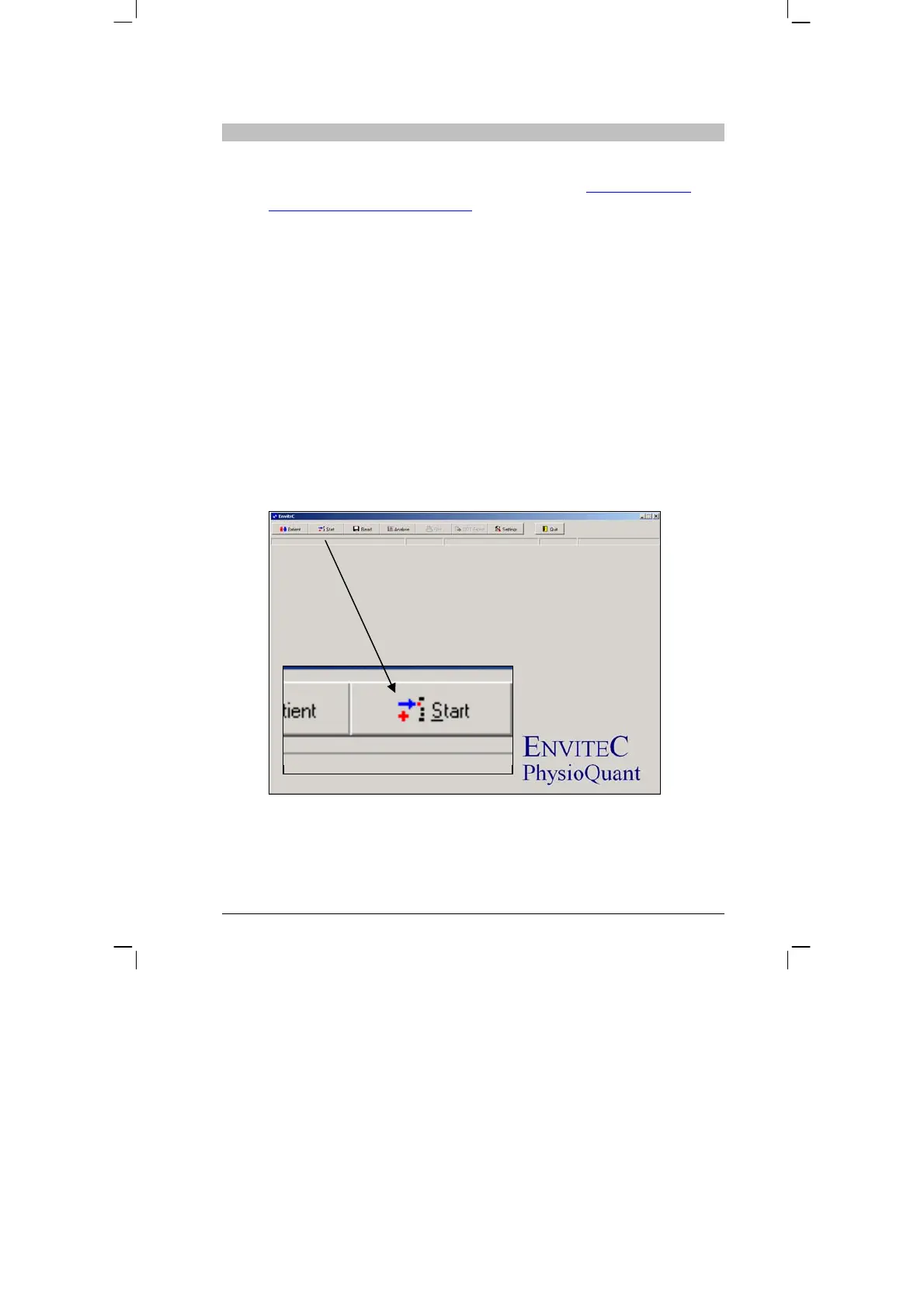
After the PhysioQuant software has started, the main screen appears.
To programme the recorder, click on the 'Start' tab to open the relevant
menu:
>
>
>


 To Next Page