29 / 48
6.4 Adding a new patient
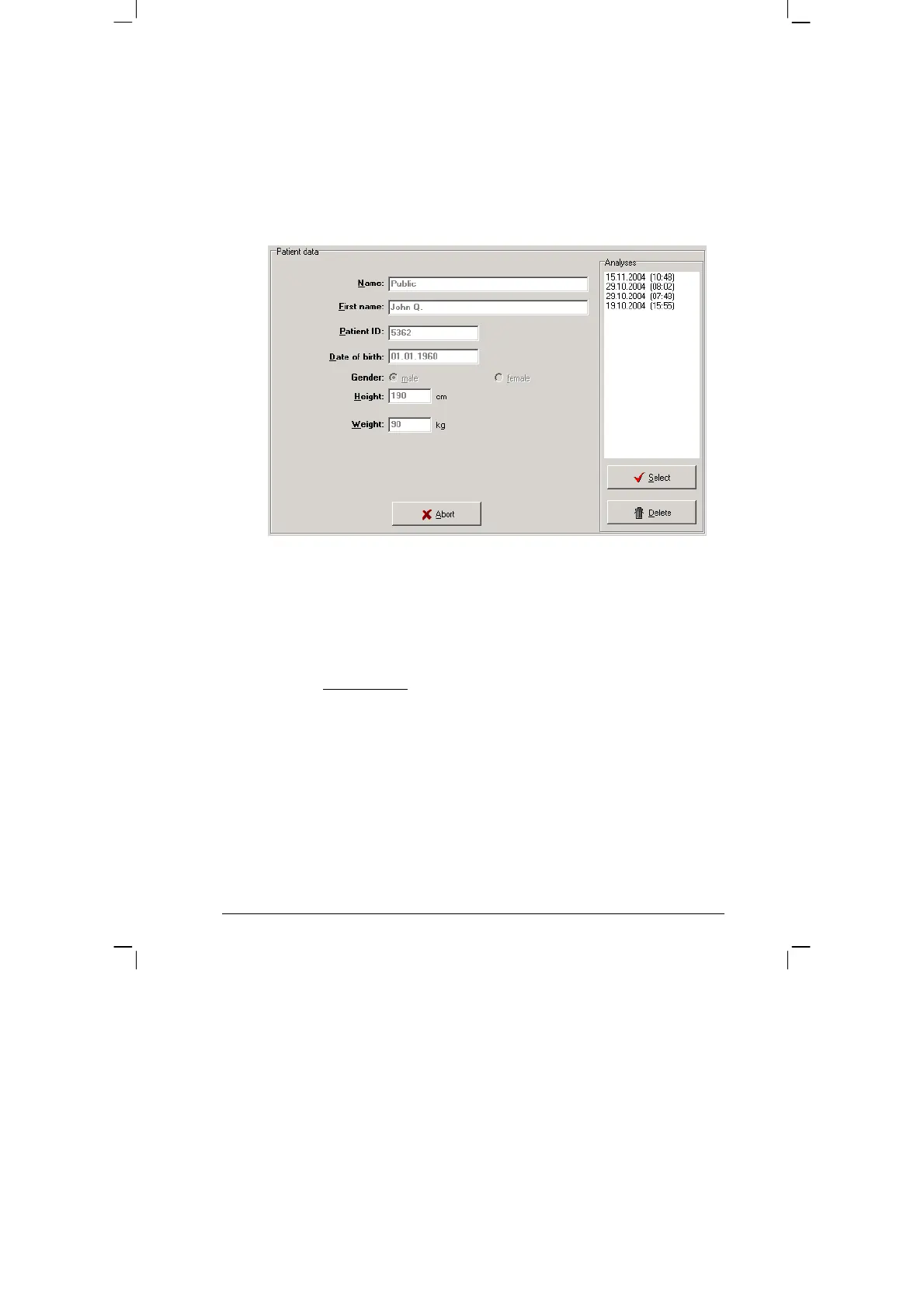
If the required patient is not in the database, then you can directly enter
new patient data.
To do so, open the entry screen with the [NEW] button. Enter all the
required data and save it to the database with [Save]:
6.5 Editing patient data
Patient data that has been entered can be edited and updated at any
time ([Edit] button in the Patient selection window).
EXCEPTION:
Patient ID cannot be changed once it has
been entered and saved!


 To Next Page