37 / 48
7 Importing Recorder Data after Measurements
7.1 Connecting the recorder
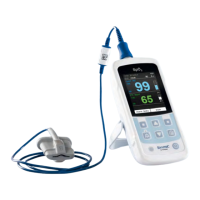
Connect the PhysioQuant Recorder to the PC (see 3.3 Attaching the
connecting cable to the recorder,17) and switch on the recorder.
The recorder display will show PC
7.2 Starting the programme
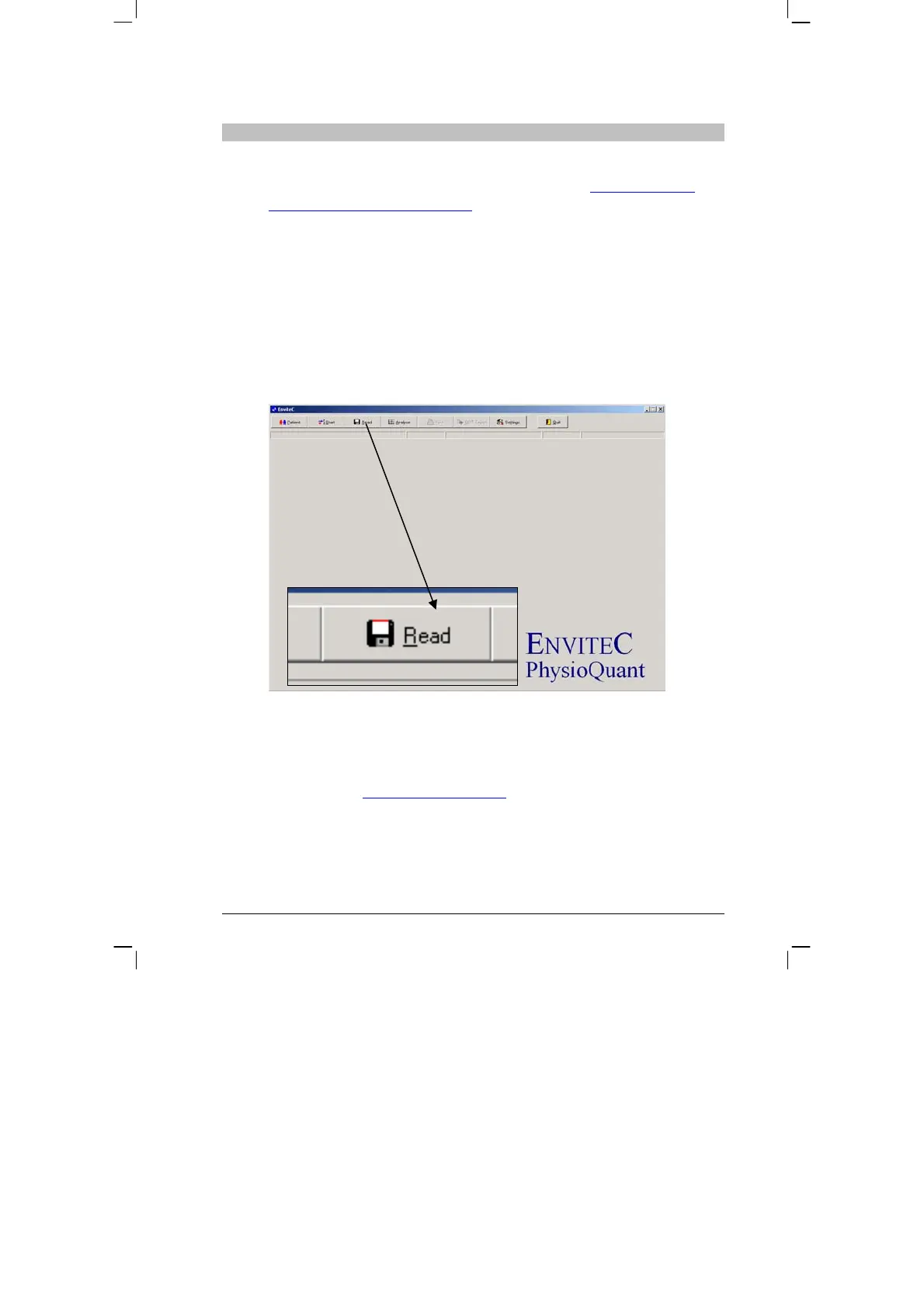
After the PhysioQuant software has started , the main screen appears.
To import data from the recorder, click on the [Import] tab to open the
relevant menu:
The measurement values are imported from the recorder and assigned
to the relevant patient.
The graphical representation of the measurement results is also
displayed (see 8.5 Single-value graph,
page 40).
>
>
>


 To Next Page