15 / 48
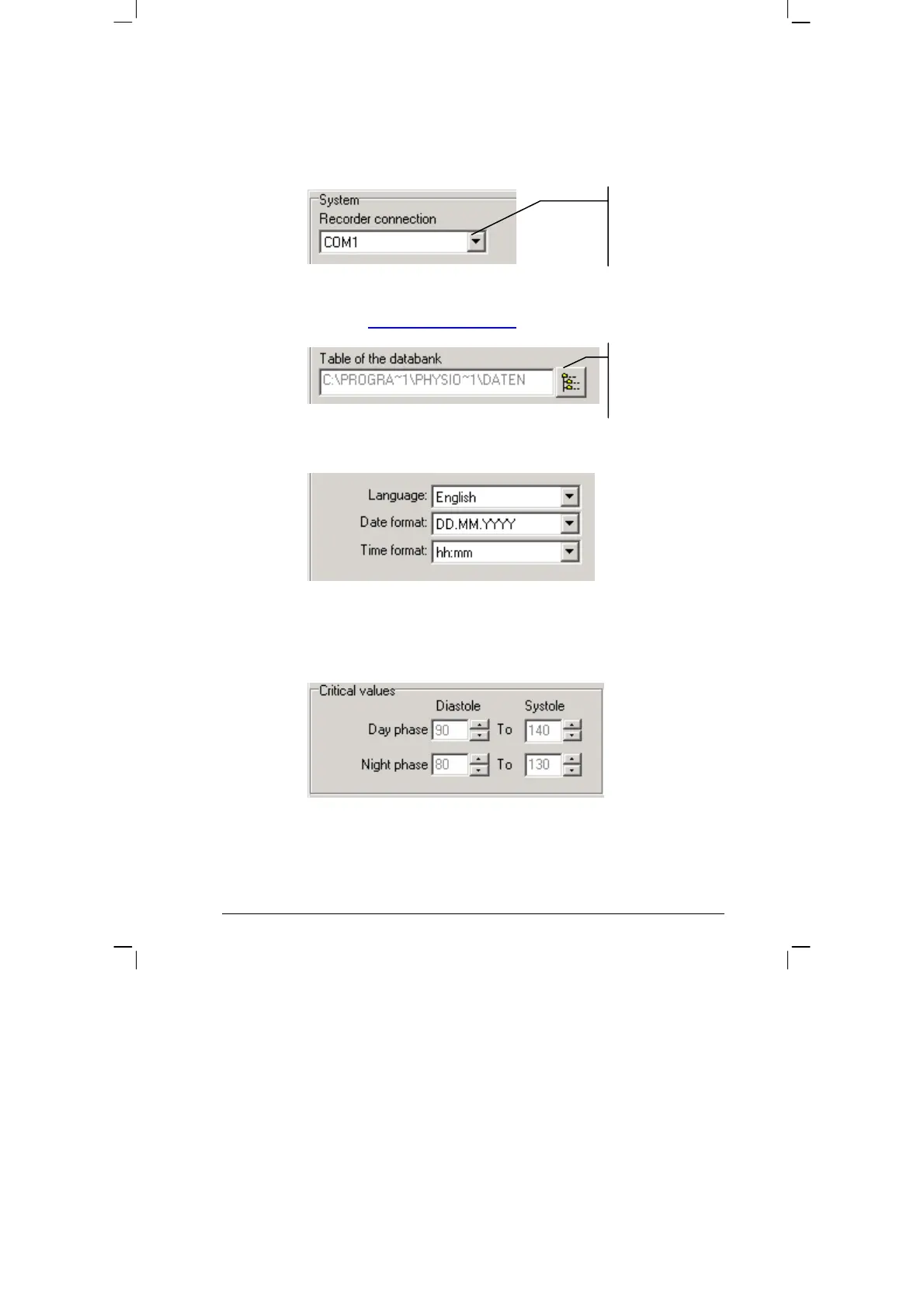
SYSTEM:
• Setting the serial PC interface, to which the PhysioQuant Recorder
will be connected:
• Setting / changing the folder for the database
(also see 3.4 Network installation,
page 18)
• Setting language, date and time format:
CRITICAL VALUES:
• Setting the critical values for day phase and night phase:
• These critical values will be displayed as lines in the graphic
representation of the analysis and will be part of the statistical
calculations.
Selecting another
folder for the
database.
This displays all
serial interfaces of
the system.


 To Next Page