23
Step3: Press the button to set successfully.
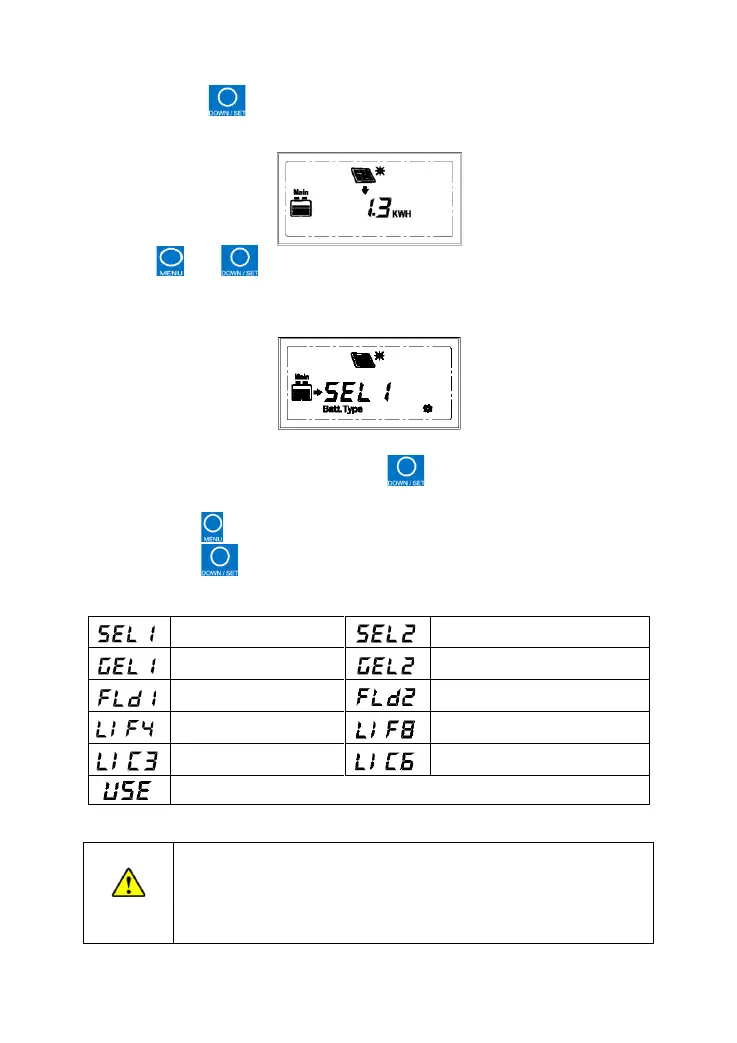
(3) Clear the generated energy
Press the and button simultaneously and hold on for 5s to clear the
generated energy.
(4) Change Battery type
Operation:
Step1: In the battery type interface, press the button and hold on for 5s until the
symbol flashes.
Step2: Press the button to select the battery type.
Step3: Press the button to confirm the battery type.
Battery type:
The battery control voltage parameters cannot be modified when
the battery is set as the default battery type. If you want to modify
the control parameters, please select the battery type as "User."
The control parameters can only be set via PC software or mobile


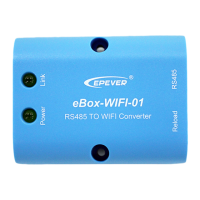

 To Next Page