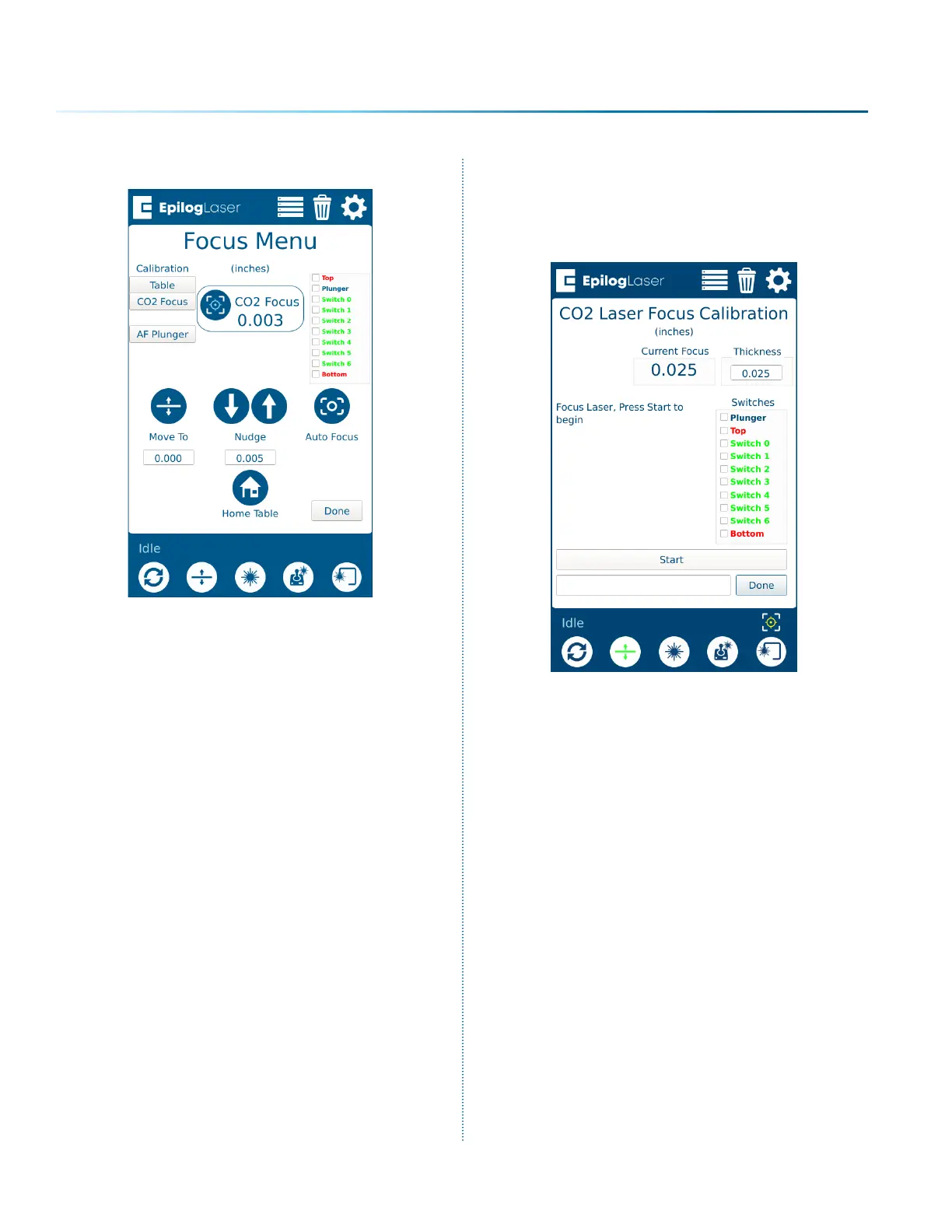
7. Select “Focus Commands” from the menu.
8. Select “Calibrate CO2 Focus”. Ensure the
material thickness used during calibration is
entered in the Thickness text box (The default
of 0.025” corresponds to the supplied
anodized aluminum). Press “Start”.
9. Once the calibration is complete, press
“Done.”
10. The CO2 auto focus should now be
calibrated properly, and you will now need
to calibrate the Auto Focus Plunger. See
“Calibrating the Auto Focus Plunger” on
page 226.
- 222 -
APPENDIX C: SYSTEM CALIBRATION


 To Next Page
 Loading...









