32
Installing the stackers
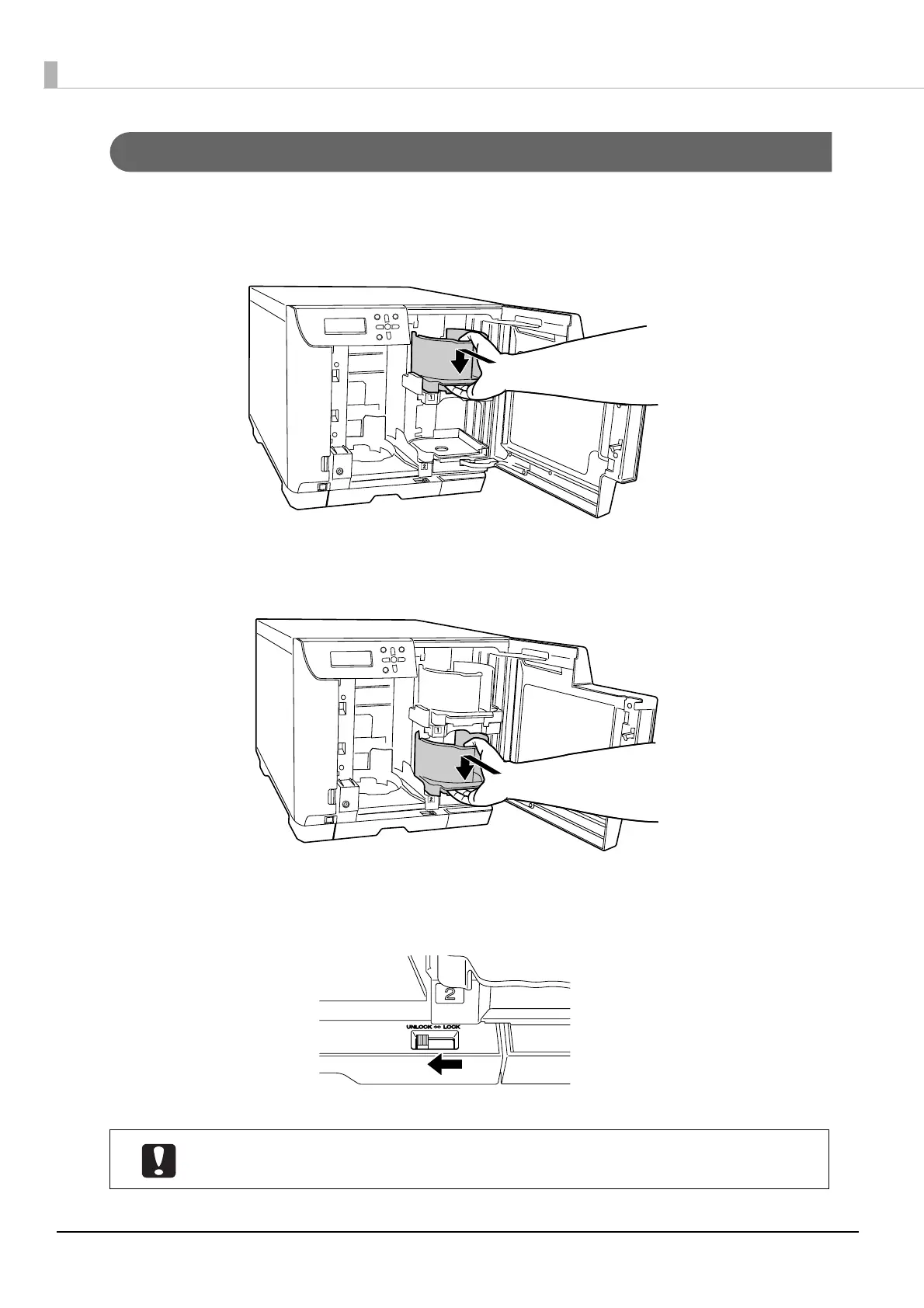
After the Publish Mode is determined, use the procedure below to install the stackers for the selected mode.
1
Insert Stacker 1 by aligning with the recesses.
2
Insert Stacker 2 by aligning with the recesses.
3
Set the lock lever to the [UNLOCK] position.
Stacker 3 is not used in PIN Controlled Mode/Security Mode.



 To Next Page
 Loading...