EPSON EPL-6200/EPL-6200L Revision A
Product Description Control Panel (EPL-6200L) 56
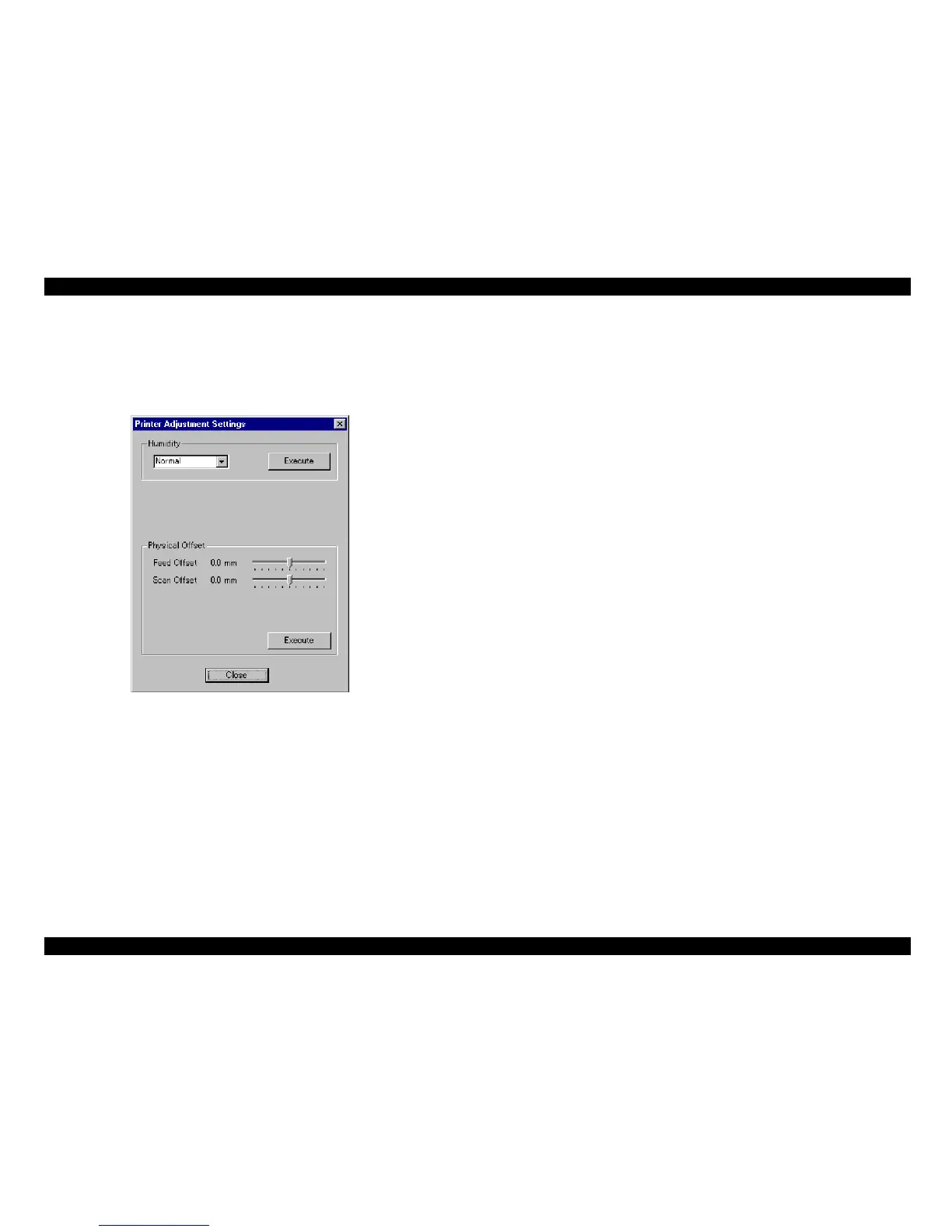
3. On the screen of the printer adjustment window (hidden window), change the setting
value for the appropriate item.
4. After changing the setting value, click the [Execute] button of the printer driver to
finalize the setting.
Figure 1-23. Printer Adjustment Window



 To Next Page