EPSON EPL-6200/EPL-6200L Revision A
Product Description Ambient Conditions 64
ENGINE STATUS SHEET (EPL-6200)
Printing Procedure:
1. Open the printer driver on the personal computer.
2. Open the “Optional Settings” page.
3. Click the “Extended Settings” button while holding down [ALT] + [CTRL] + [Z] keys.
Shown below is an example of the engine status sheet of EPL-6200:
Figure 1-24. Print Sample of Engine Status Sheet
NOTE 1:
The Engine Status Sheet is not localized.
2:
Each numeric value shown in the example is the upper limit of counting.
3:
All the values indicated are those that have been set with EJL and stored in
EEPROM.
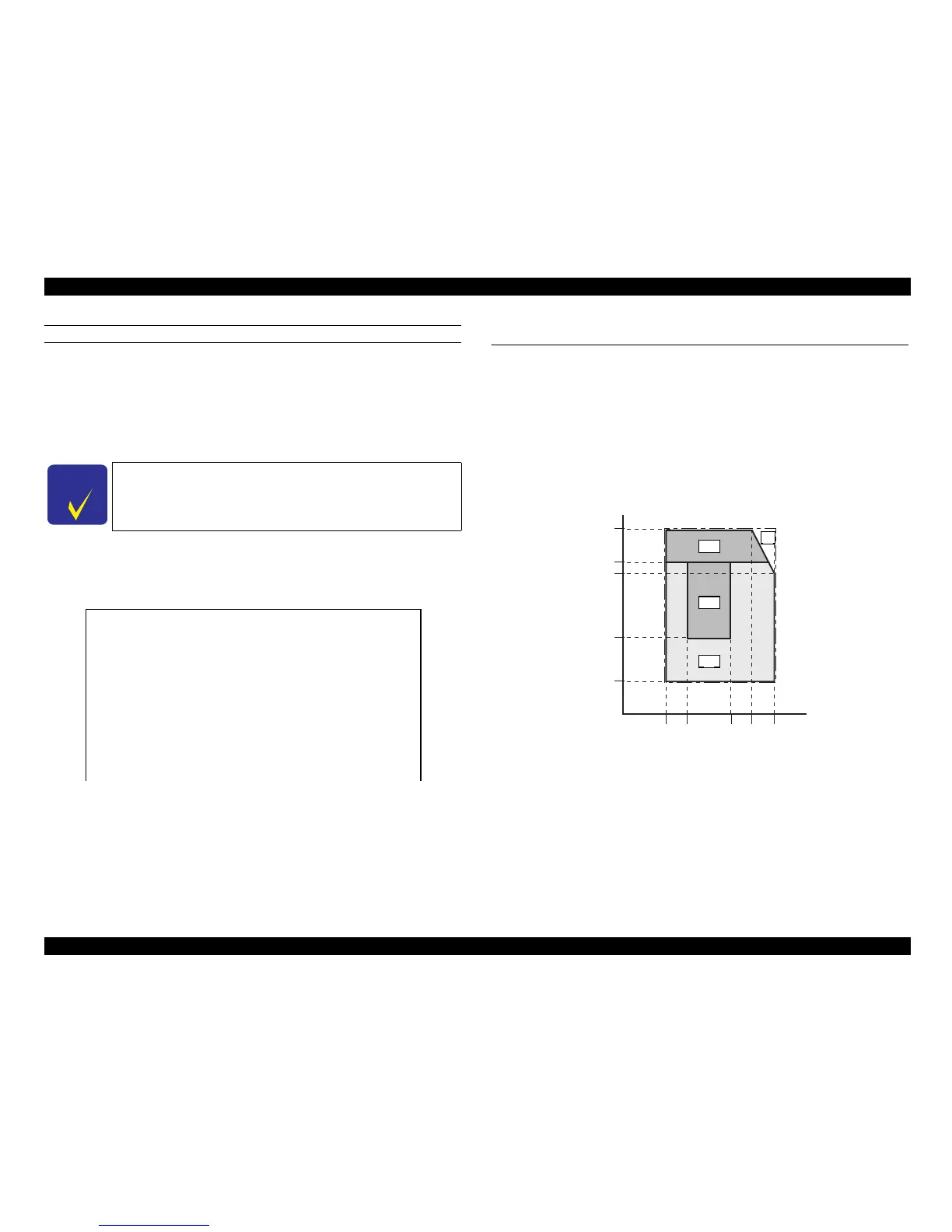
1.12 Ambient Conditions
The ambient conditions to ensure the performance of EPL-6200/EPL-6200L are as
follows:
Environment A: Range of ambient conditions to guarantee image quality and paper
feed
Environment B: Range of ambient conditions to guarantee paper feed
Environment C: Range of ambient conditions to guarantee paper feed
Environment X: Range of ambient conditions to guarantee operation
Figure 1-25. Temperature and Humidity Environment
C H E C K
P O I N T
This function, a hidden function, must not be opened to users.
Feed Offset 0.0 mm
Scan Offset 0.0 mm
Feed Offset2 0.0 mm
Scan Offset2 0.0 mm
Humidity 0
Feed Regist 0.0 mm



 To Next Page