2.
Press Enter to move the cursor block into the submenu.
3.
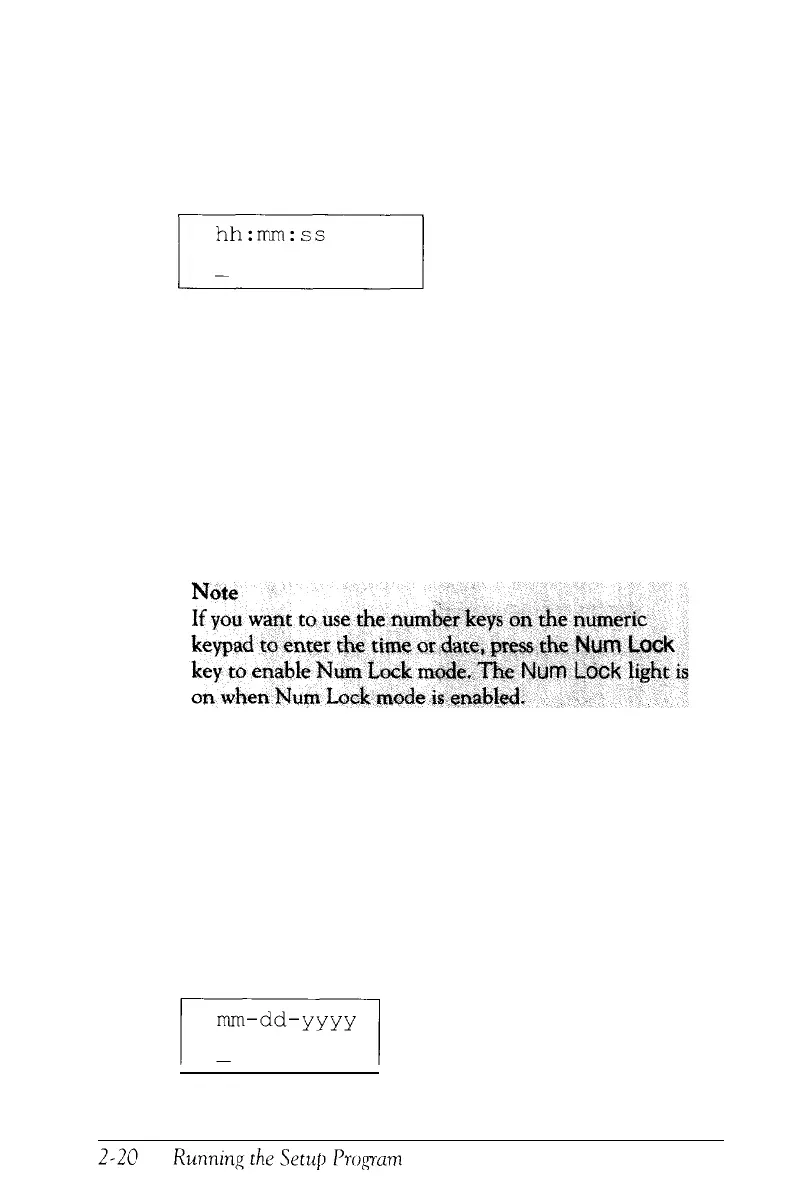
To set or change the time, press Enter again. You see this
prompt:
4.
Using a 24-hour time period, enter the time in the exact
format shown in the box. Type two digits for each part; the
Setup program automatically inserts the colons ( : ). For
example, to set the time to 1:30 p.m., you would type the
following:
133000
If you enter an invalid time-for example, a number greater
than 23 for the hours or greater than 59 for the minutes or
again.
When the time is correct, press
5.
To set or change the date, highlight Date and press
Enter.



 To Next Page