10
Part Names and Functions
Interface Unit
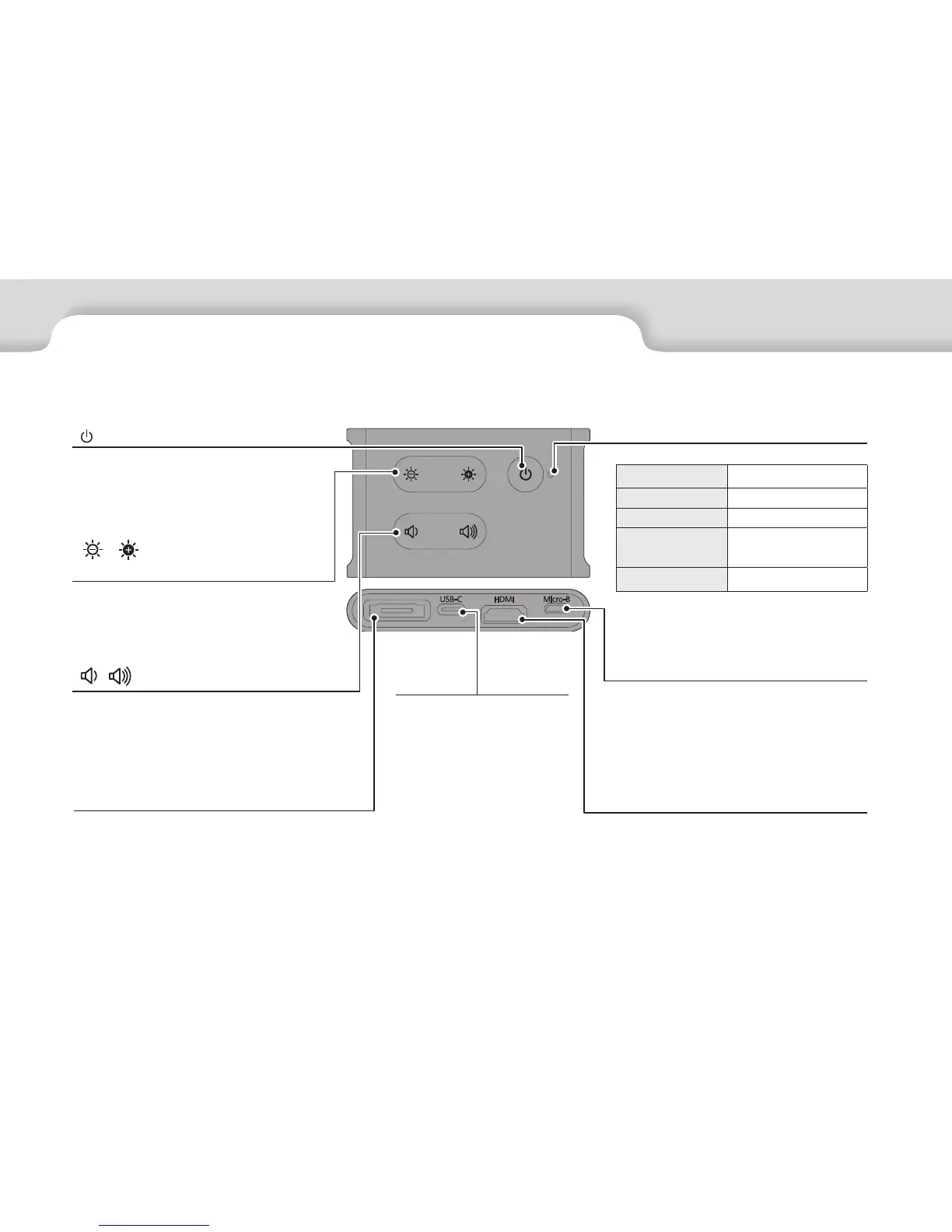
[ / ] (Brightness adjustment)
keys
Adjusts the brightness incrementally
within a range of 0 to 20. Hold the keys
down to increase or decrease the bright-
ness.
USB-C port
Connects to external devices
that support USB Type-C.
You can input video signals
and supply power from the
connected device. You can
also output camera data and
sensor data from the head-
set to the connected device.
➡"Connecting by USB Type-
C" p.14
HDMI port
Inputs video signals from video equip-
ment or computers that support HDMI.
➡"Connecting by HDMI" p.13
Micro-B port
This port is dedicated to supplying
power.
(It cannot be used for data communica-
tion.)
[ / ] (Volume) keys
Adjusts the volume incrementally within
a range of 0 to 15. Hold the keys down to
increase or decrease the volume.
[ ] (Standby) button
Set and release standby mode and AV
mute, and show/hide images.
➡"Standby Mode and AV Mute" p.17
LED indicator
Indicates the status of the product.
Orange: On Standby mode
Blue: Flashing No video signal detected
Blue: On Displaying images
Blue: Flashing
slowly
AV mute enabled
Orange: Flashing Error has occurred
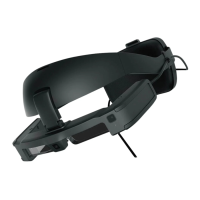
Headset connector
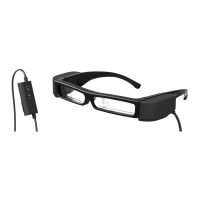
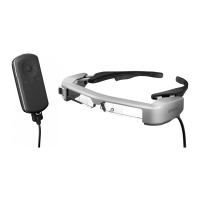
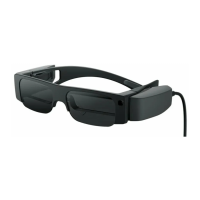
Connects the headset.
➡"Connecting by HDMI" p.13
➡"Connecting by USB Type-C" p.14


 To Next Page