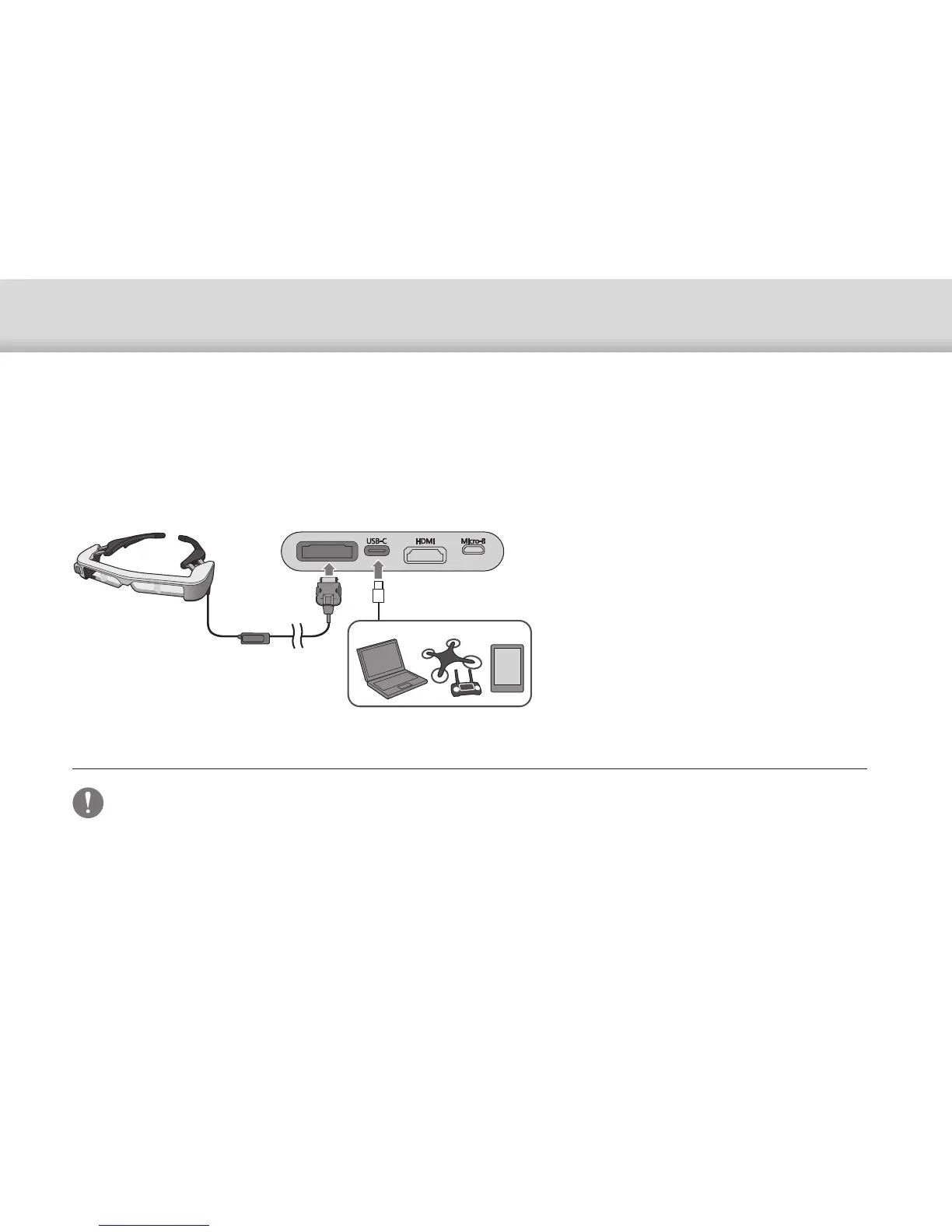
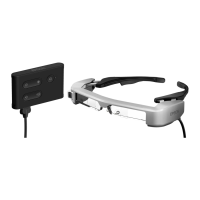
Connecting the Interface Unit and External Devices
14
Connecting by USB Type-C
A
Connect the headset.
B
Connect the external device.
• Make sure you connect the headset before you connect the power
supply.
• Do not connect or disconnect the headset while it is operating.
• Make sure you unplug the USB Type-C cable before unplugging the
headset cable.
• The connected equipment must support USB 2.0/3.0.
• Make sure you use a genuine USB-IF certified USB-C 3.1 cable.
• USB Type-C cannot be connected using a conversion adapter.
When connecting to an external device with USB Type-C, you can use data from the headset sensors and camera as well
as view the images. Also, since it can be used as a power supply source, you can perform three operations simultane-
ously using one USB Type-C cable; input video signals, output sensor/camera data, and supply power.
USB-C


 To Next Page