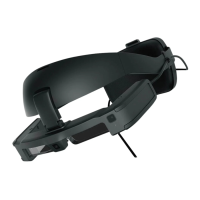
Replacing the Parts
25
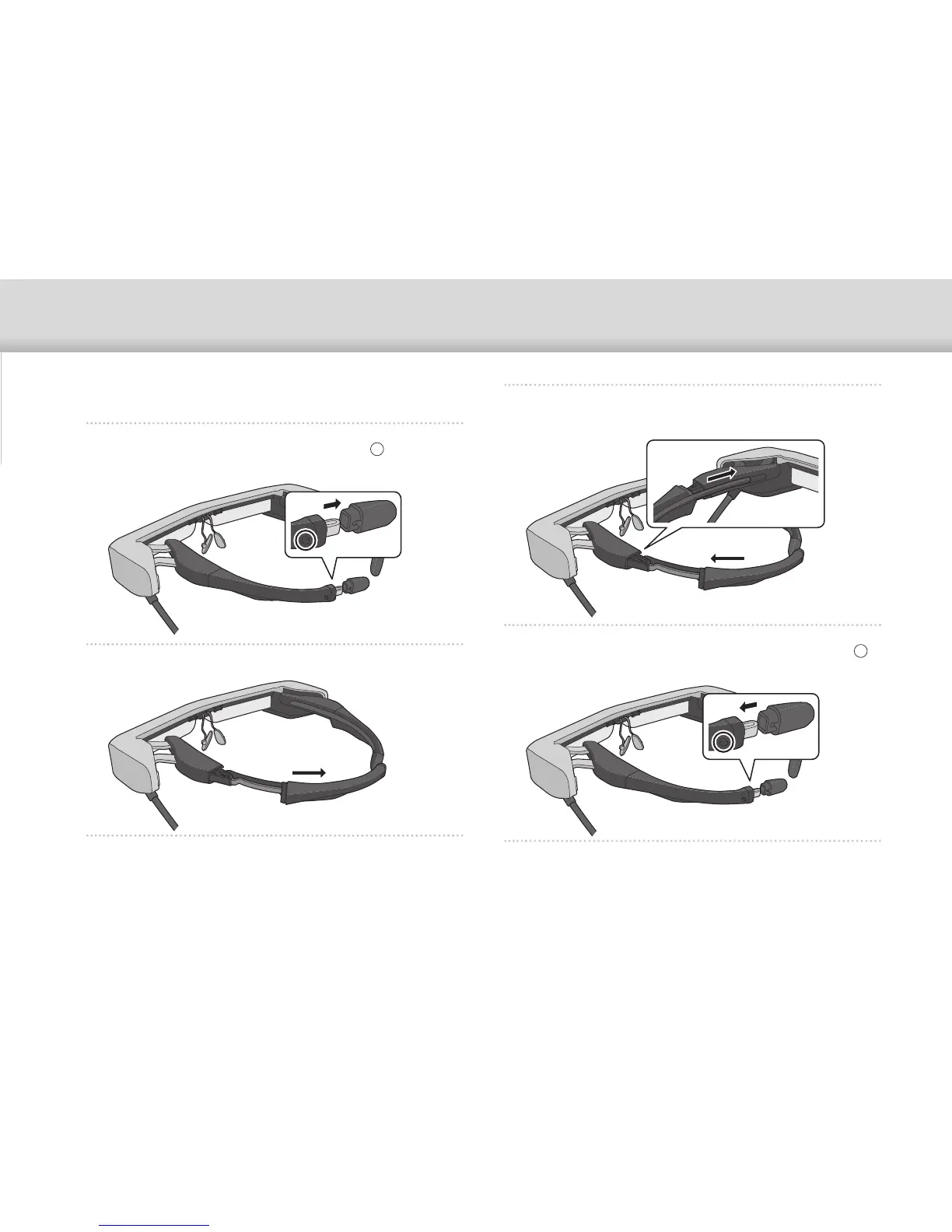
Replacing the Temple Grip
A
Press the part indicated by the circle ( ) and
remove the tip of the temple grip.
B
Slide off the remaining temple grip.
C
Slide the replacement temple grip into the groove
in the headset.
D
While pressing the part indicated by the circle ( ),
attach the tip of the temple grip.


 To Next Page