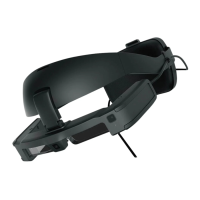
Replacing the Parts
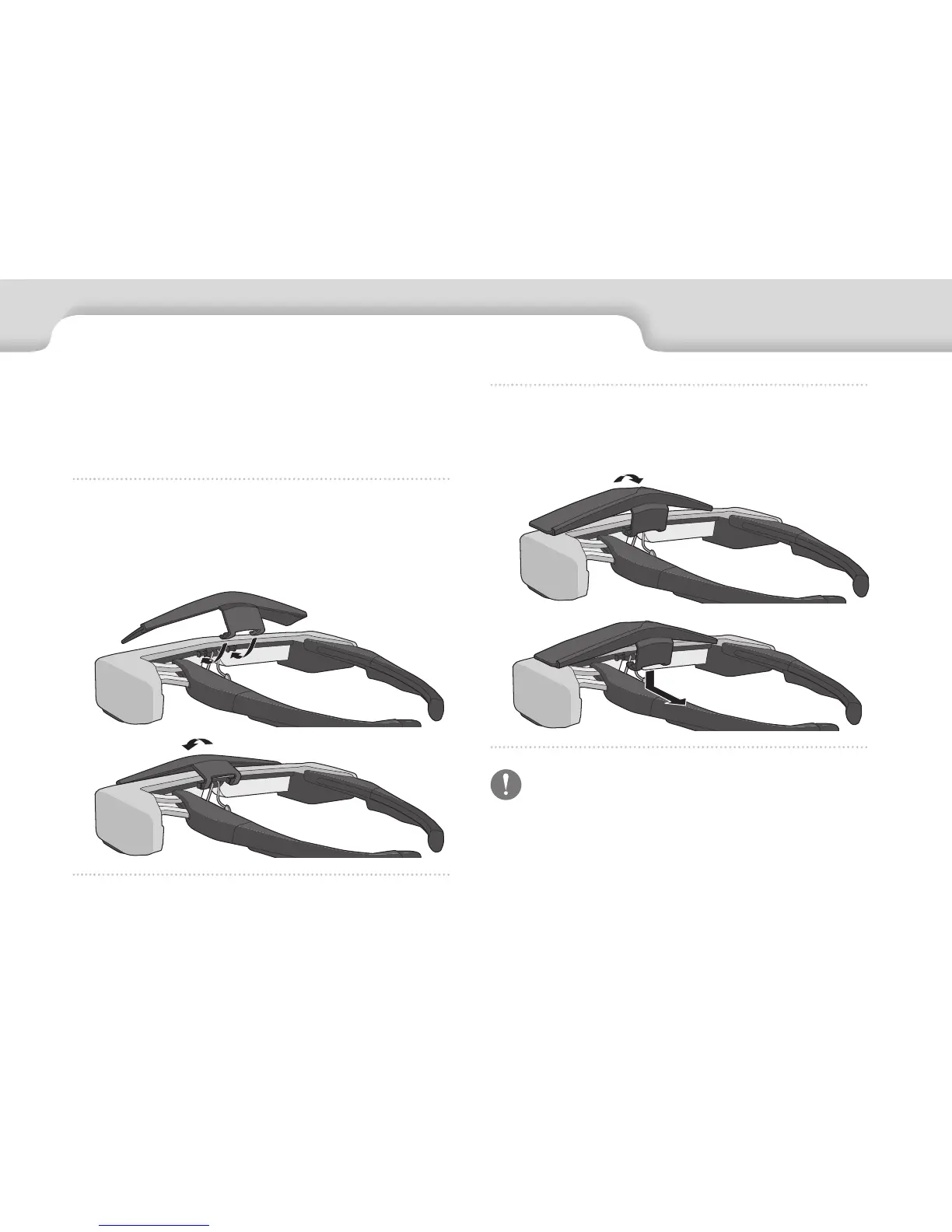
To remove the shield, flip it up, and then push down and
pull it towards you.
If the shield is pushed or pulled with too much force,
the shield and the lens could be damaged. Do not
use too much force on the shield.
Attaching and Removing the Shield
This product includes clear and shaded safety shields. If it
is too bright to view the screen when wearing the headset,
attach the shaded shield.
Hold the shield at an angle and press it against the
protruding sections (two points) at the center of the
headset.


 To Next Page