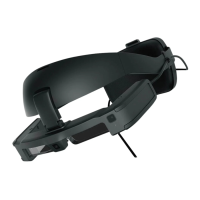
Part Names and Functions
11
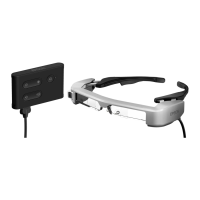
Headset
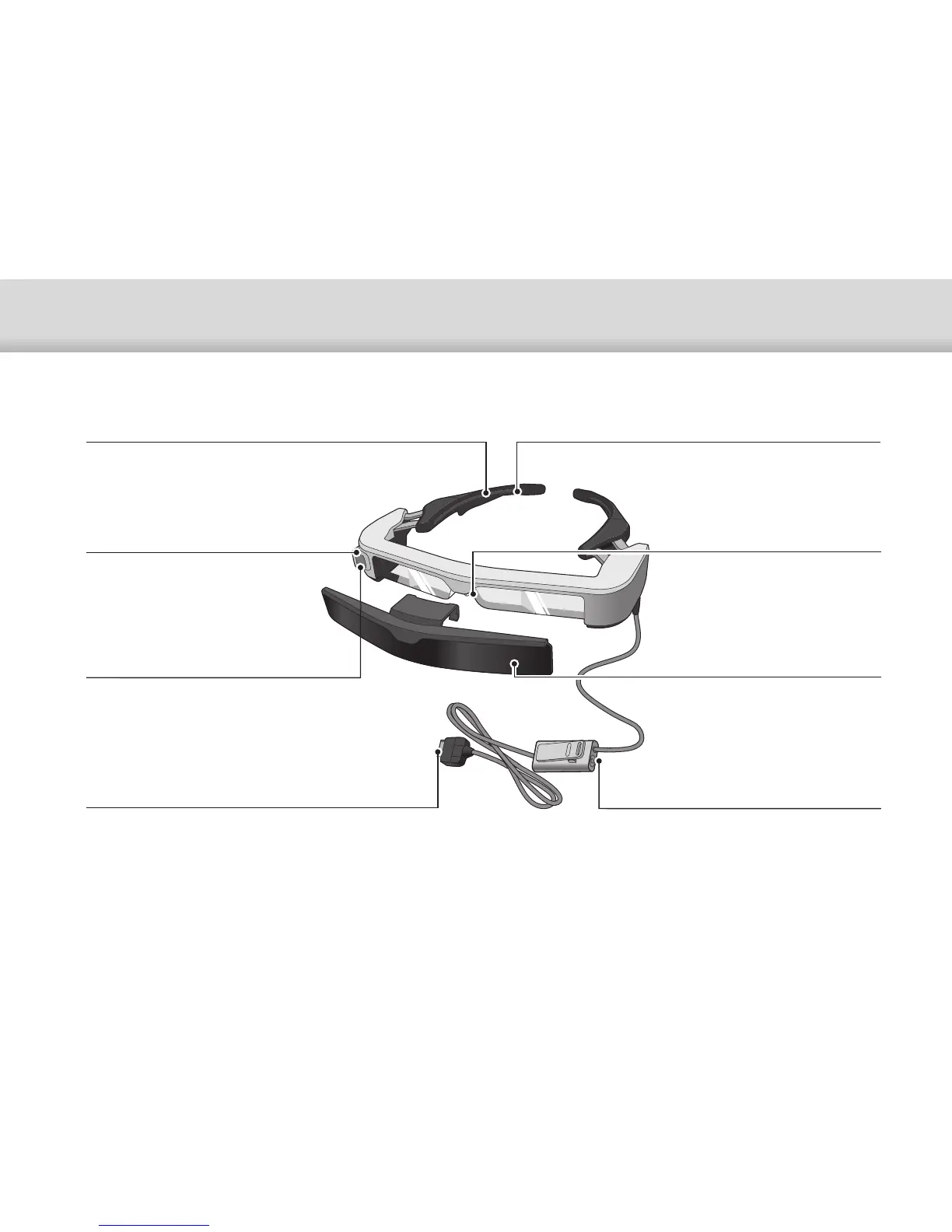
Nose pads
If the nose pads get dirty, it can be
replaced.
➡"Replacing the Nose Pads" p.26
Temples
Open the temples to wear.
➡"Wearing the Headset" p.20
Temple grip
If the temple grip gets dirty or deterio-
rates, it can be replaced.
➡"Replacing the Temple Grip" p.25
3.5 mm audio jack
You can connect commercially available
earphones and microphones.
➡"Wearing the Headset" p.20
Camera
Captures images and movies.
Remove the protective film before
use.
Interface unit connector
Inserts into the interface unit.
➡"Connecting by HDMI" p.13
➡"Connecting by USB Type-C" p.14
Safety shield (shaded shown)
ANSI Z87.1-compliant. Shaded
shield helps minimize ambient light.
➡"Attaching and Removing the
Shield" p.24
Ambient light sensor
Senses the brightness of your sur-
roundings and automatically ad-
justs the brightness of the screen.


 To Next Page