20
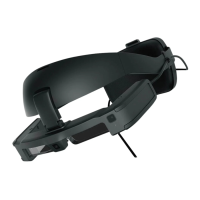
Wearing the Headset
• How an image is perceived varies depending on
the individual.
• You can connect earphones and microphones us-
ing the 3.5 mm audio jack.
Use earphones that conform to the CTIA standard.
You may hear some noise if the cables are
disconnected or connected while content is
being played.
You can clip the headset cable to your clothes.
Make sure the cable does not catch on anything in
the surrounding area while wearing the product.
Also, make sure the cable does not wind around
your neck.
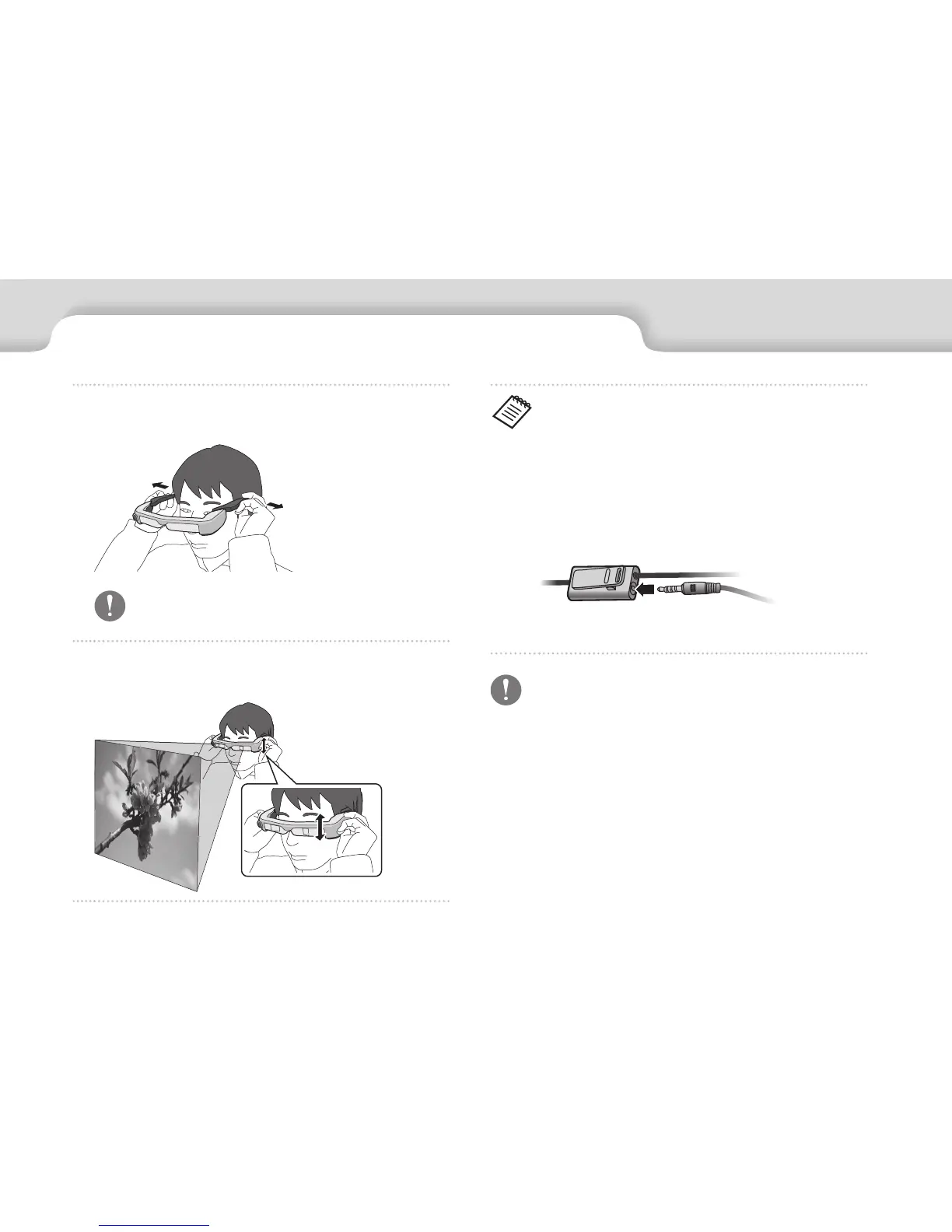
A
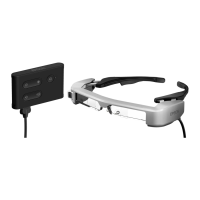
Use both hands to open the temples, and then put
on the headset.
Do not use too much force when opening the
temples of the headset.
B
Adjust the position of the headset so that you can
see the image.


 To Next Page