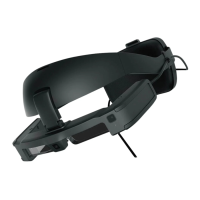
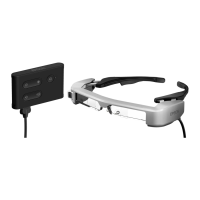
Connecting the Interface Unit and External Devices
13
Connecting by HDMI
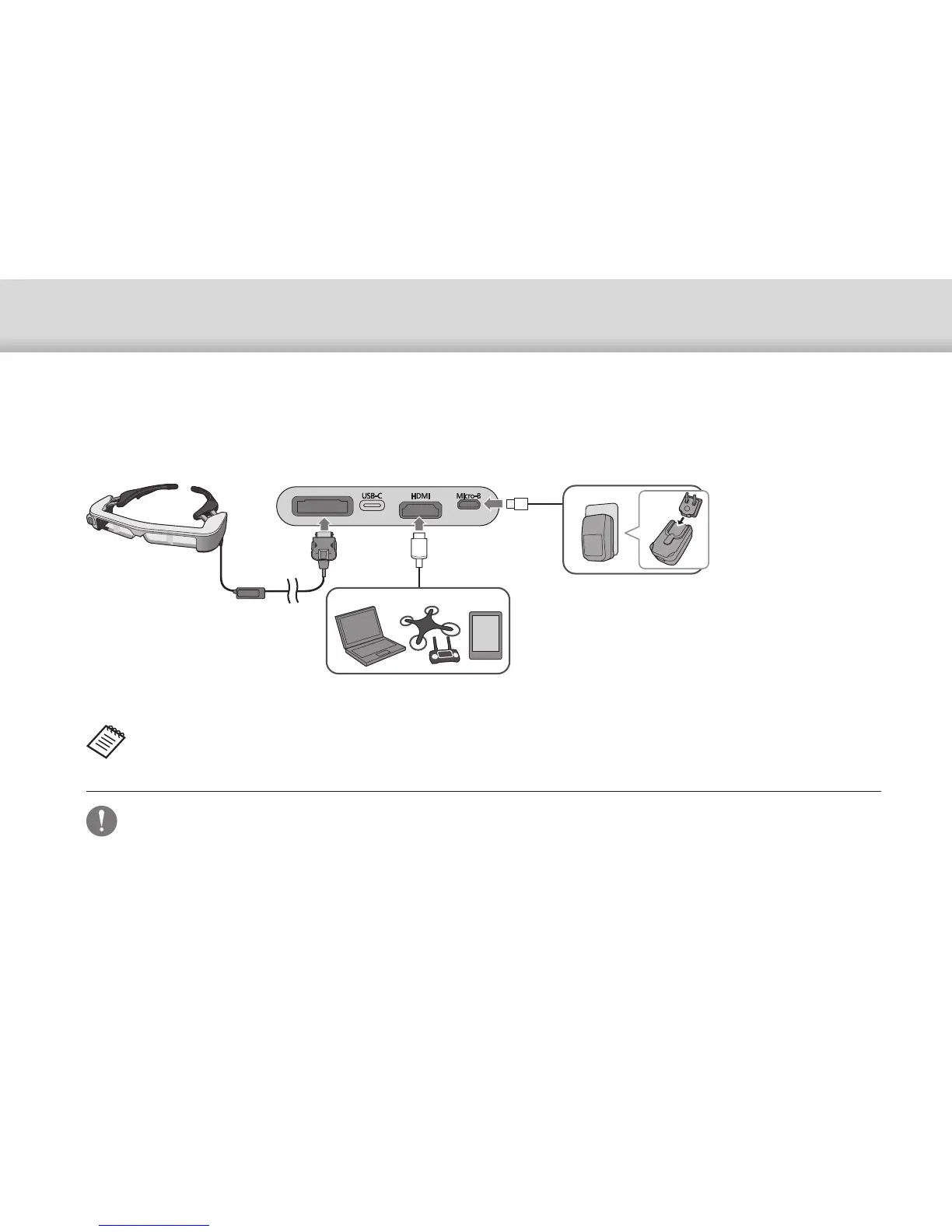
Follow the steps below to display images from external devices connected by HDMI.
A
Connect the headset.
B
Connect the external device.
C
Connect the power supply.
• Make sure you connect the headset before you connect the power
supply.
• Do not connect or disconnect the headset while it is operating.
• Make sure you unplug the dedicated micro-USB power supply cable
before unplugging the headset cable.
• HDMI cannot be connected using a conversion adapter.
• To prevent excessive wear on the connectors, do not disassemble
the AC adapter once it has been assembled.
When using the headset sensor or camera data, connect to the USB-C port. Video signals from the HDMI port have
priority over video signals from the USB-C port.
➡"When using the headset sensors or camera" p.15
HDMI
Micro-B


 To Next Page