84 Using the Projector on a Network
12. Click the
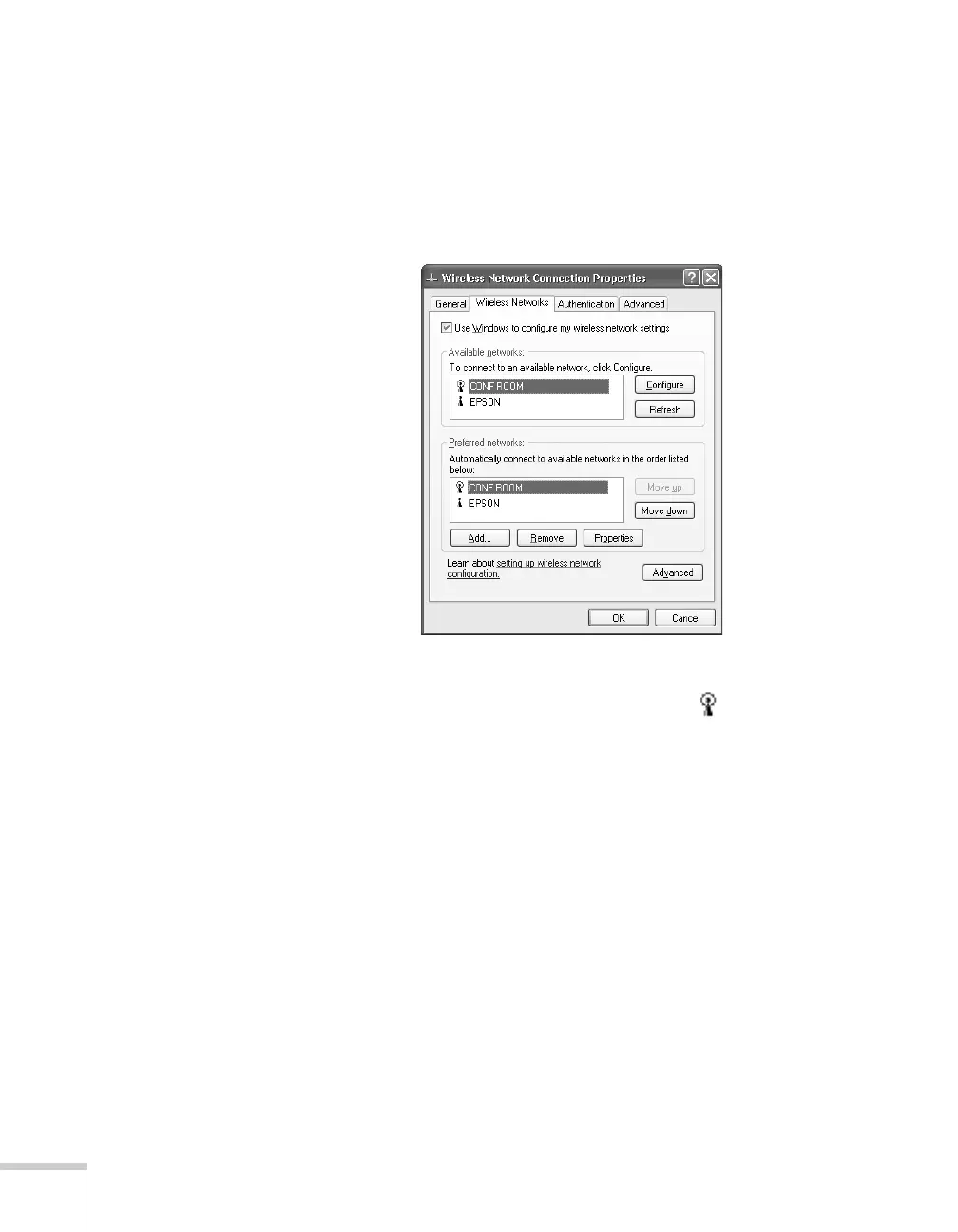
Wireless Networks tab.
(If you don’t see this tab, you may need to enable your wireless
card or adapter by clicking
Configure to access the device
settings; then follow any instructions on the screen to enable the
device.) You see a screen like this:
13. Verify that you’ve enabled your computer’s connection to the
access point. It should be listed with the small icon next to it,
indicating a connection.
If it’s not listed, click
Configure and type the name of your access
point.
14. When you’re done making settings, click
OK to close the dialog
box.
Now you’re ready to connect to the projector. See the EasyMP
Network Projection Operation Guide for details.







 To Next Page