Using the Projector on a Network 85
Checking the Gateway IP Address on Windows
If you’re entering IP addresses manually and need to find out the
gateway IP address (the IP address of your access point), make sure the
wireless connection to the access point is currently active, as described
in the previous section. Then follow these steps:
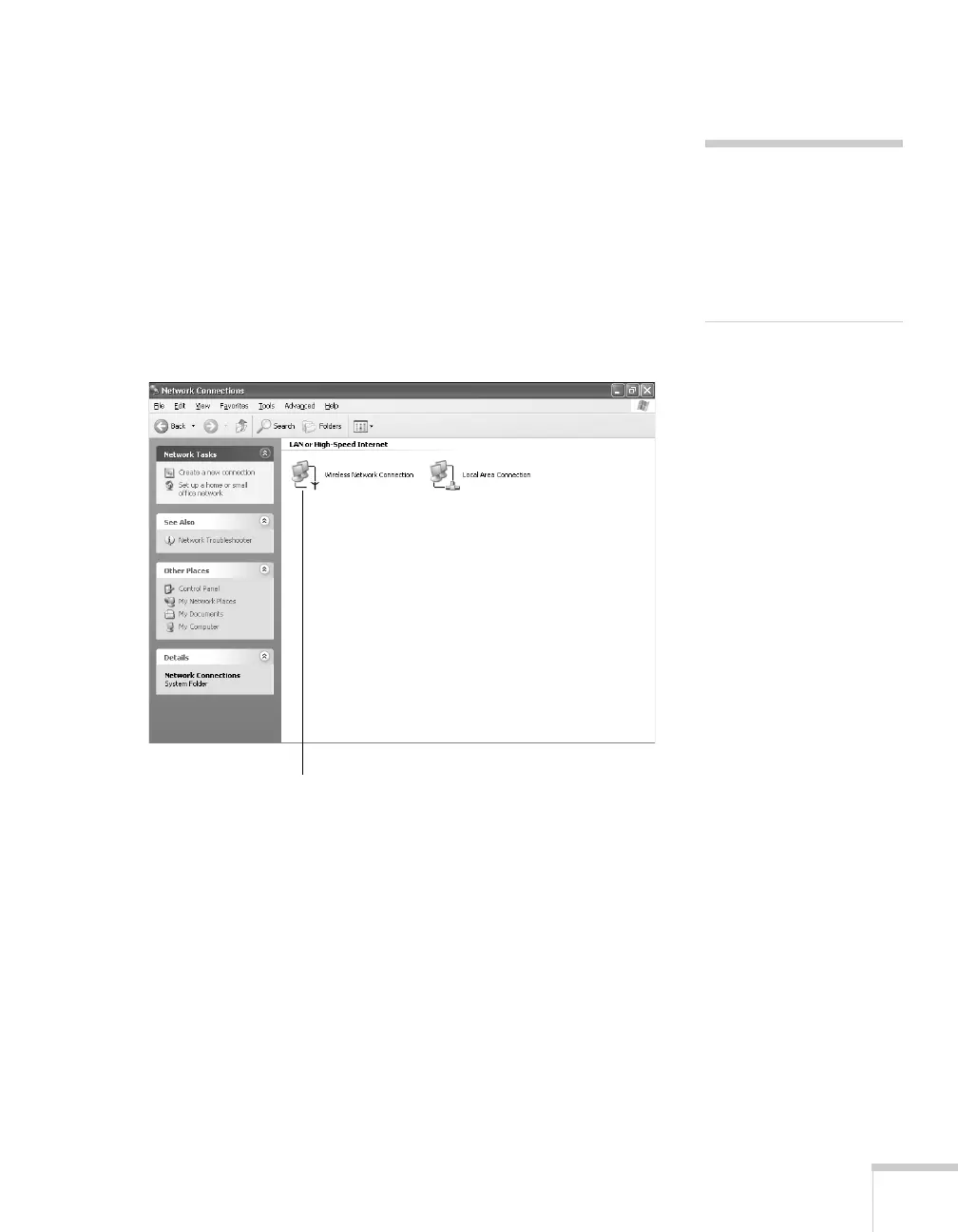
1. Access your wireless network Properties window. For example, in
Windows XP you would click
Start > Control Panel > Network
and Internet Connections
. Then click the Network
Connections
icon. You see a screen similar to this:
2. Right-click the
Wireless Network Connection icon and select
Status.
note
If you cannot identify the
gateway address using this
Windows utility, use the
administrator’s utility
software that came with
your access point.
Right-click and select Status







 To Next Page