Pro 7900 and 9900 Field Repair Guide 10/6/10
INK CARTRIDGE ERROR: REPLACE INK CARTRIDGE Printer Component, Software Item, LCD Display, Printer Button Page 226.
INK CARTRIDGE ERROR: REPLACE INK CARTRIDGE
Error Message: INK CARTRIDGE ERROR: REPLACE INK CARTRIDGE
Explanation of Error:
The CSIC Chip reports ink in the Cartridge, but the Ink Out Sensor (located where the ink leaves the Cartridge)
reports no ink.
Cause of Error:
Tiny air bubbles in the Ink Out Sensor.
Repair Strategy:
Remove the tiny air bubbles from the Ink Out Sensor.
Repair Detail:
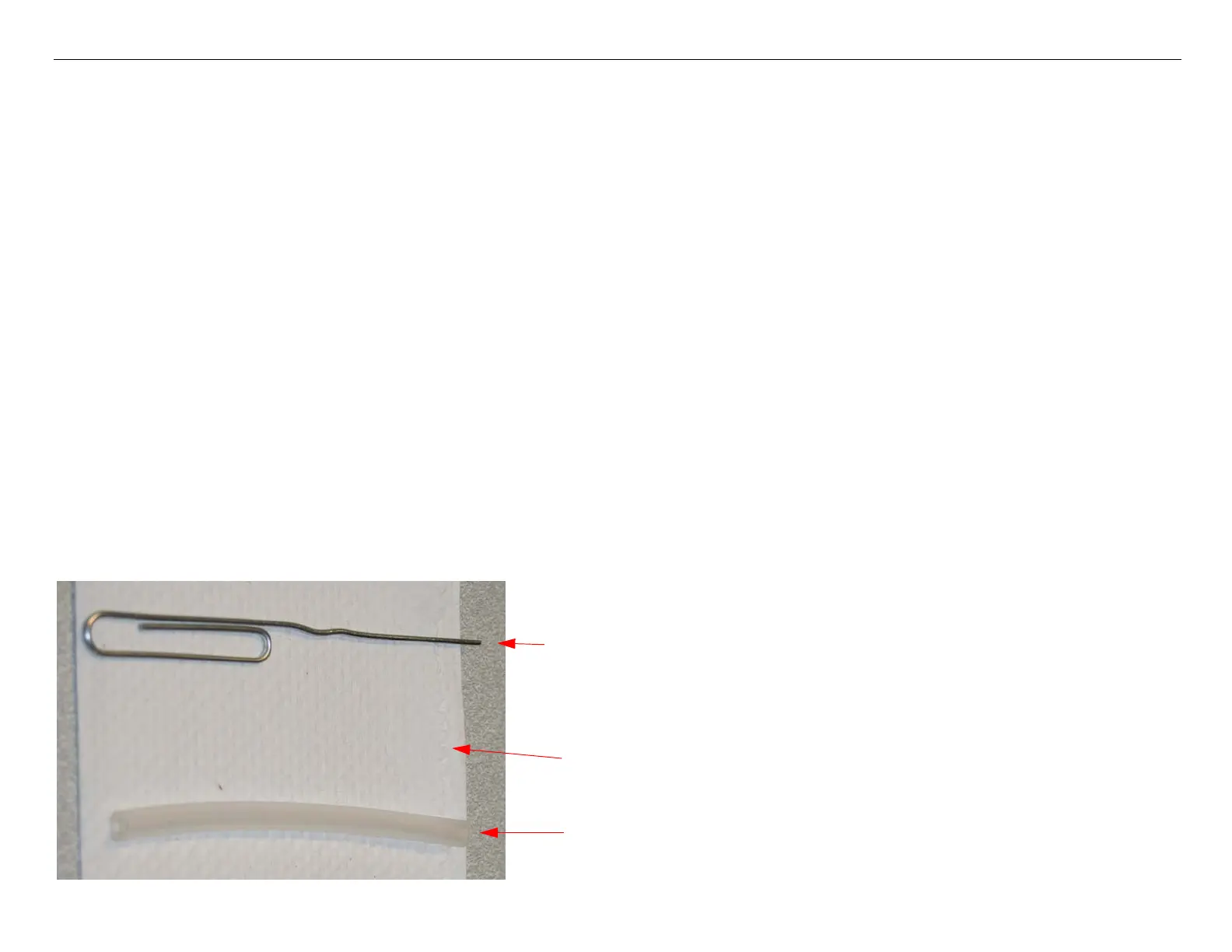
1. Assemble tools.
1 paper clip
1 paper towel
1 tube.



 To Next Page
 Loading...









