Pro 7900 and 9900 Field Repair Guide 10/6/10
Feed Adj(ustment) Printer Component, Software Item, LCD Display, Printer Button Page 300.
Feed Adj(ustment)
Note: The Feed Adj(ustment) calibrates the Paper Feed Mechanism. This Adjustment requires Epson
Doubleweight Matte paper.
1. Enter Self Testing Mode.
1.1 Self Testing Mode: Down, Right, and OK buttons, and turn on the Printer.
2. Load Epson Doubleweight Matte paper.
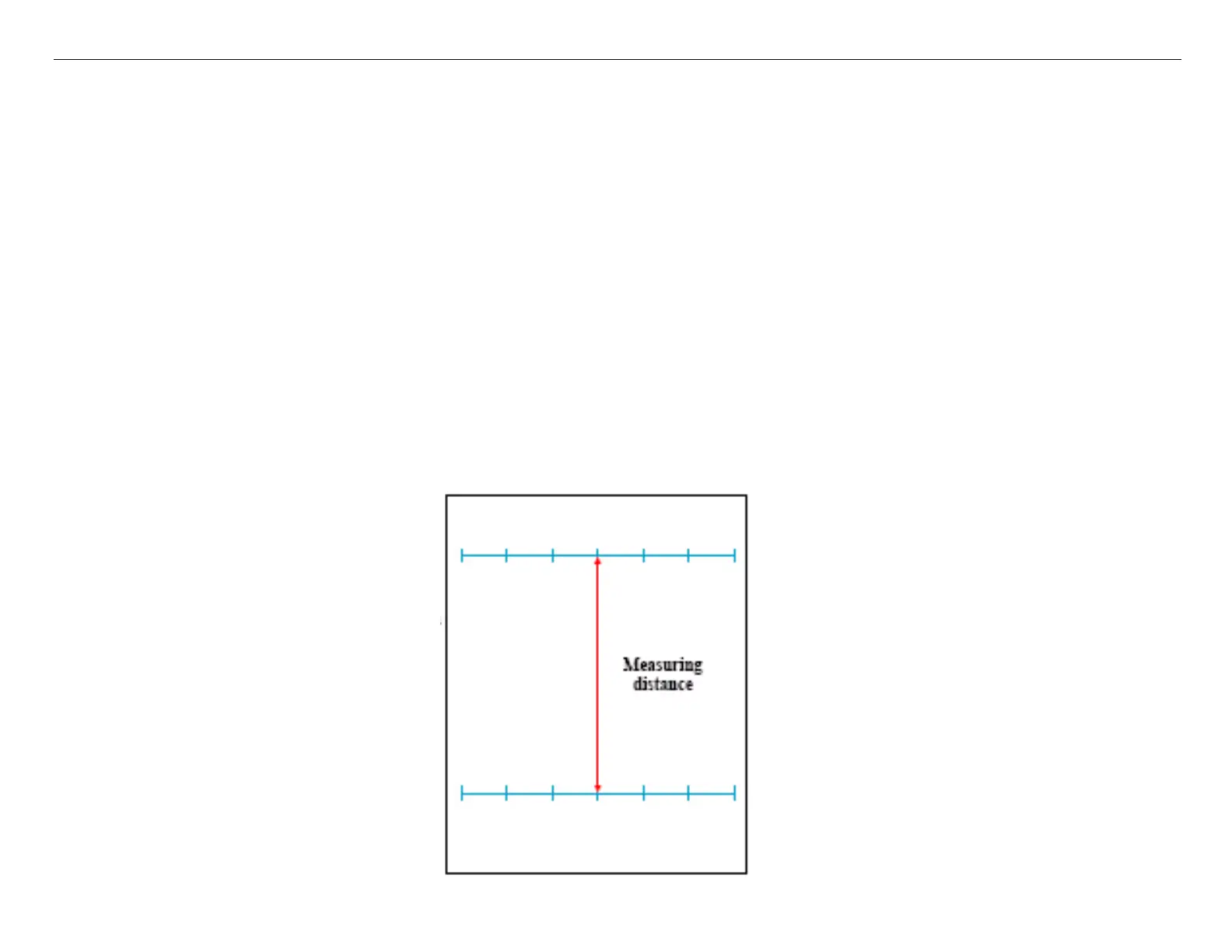
3. Print the Feed Adj pattern.
3.2 Navigate to SELF TESTING\Mecha Adjustment\Feed Adj\Printing\[Enter] Print
3.3 Press the Enter button to print.
3.4 The Printer will print the alignment pattern.



 To Next Page
 Loading...









