Pro 7900 and 9900 Field Repair Guide
CTP Plate Guide Alignment Printer Component, Software Item, LCD Display, Printer Button Page 299.
8. Repeat steps 3 through 7 until Point A = Point B.
9. Verify the Plate Guides alignment.
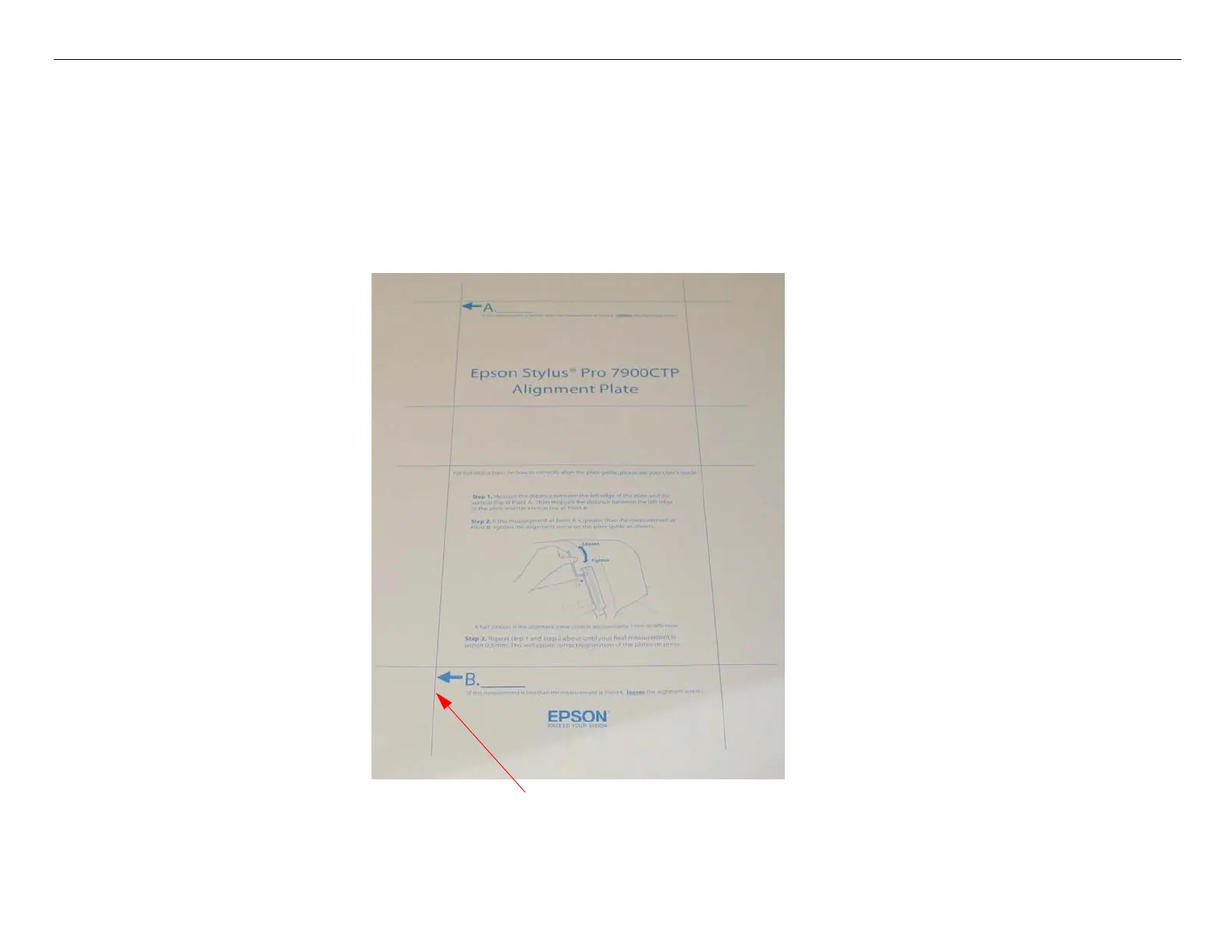
9.1 Load a blank Plate and print AlignmentSheet.prn.
9.2 Reload the same Plate and print AlignmentSheet.prn again over the first print.
9.3 Inspect the “double print” image and look for horizontal registration issues.
Look for a horizontal registration issue on this line.
If the registration is good, the Plate Guide is aligned properly.
If the registration is no good, re-align the Plate Guide.



 To Next Page
 Loading...









