Pro 7900 and 9900 Field Repair Guide 10/6/10
FWUpdate.exe Printer Component, Software Item, LCD Display, Printer Button Page 450.
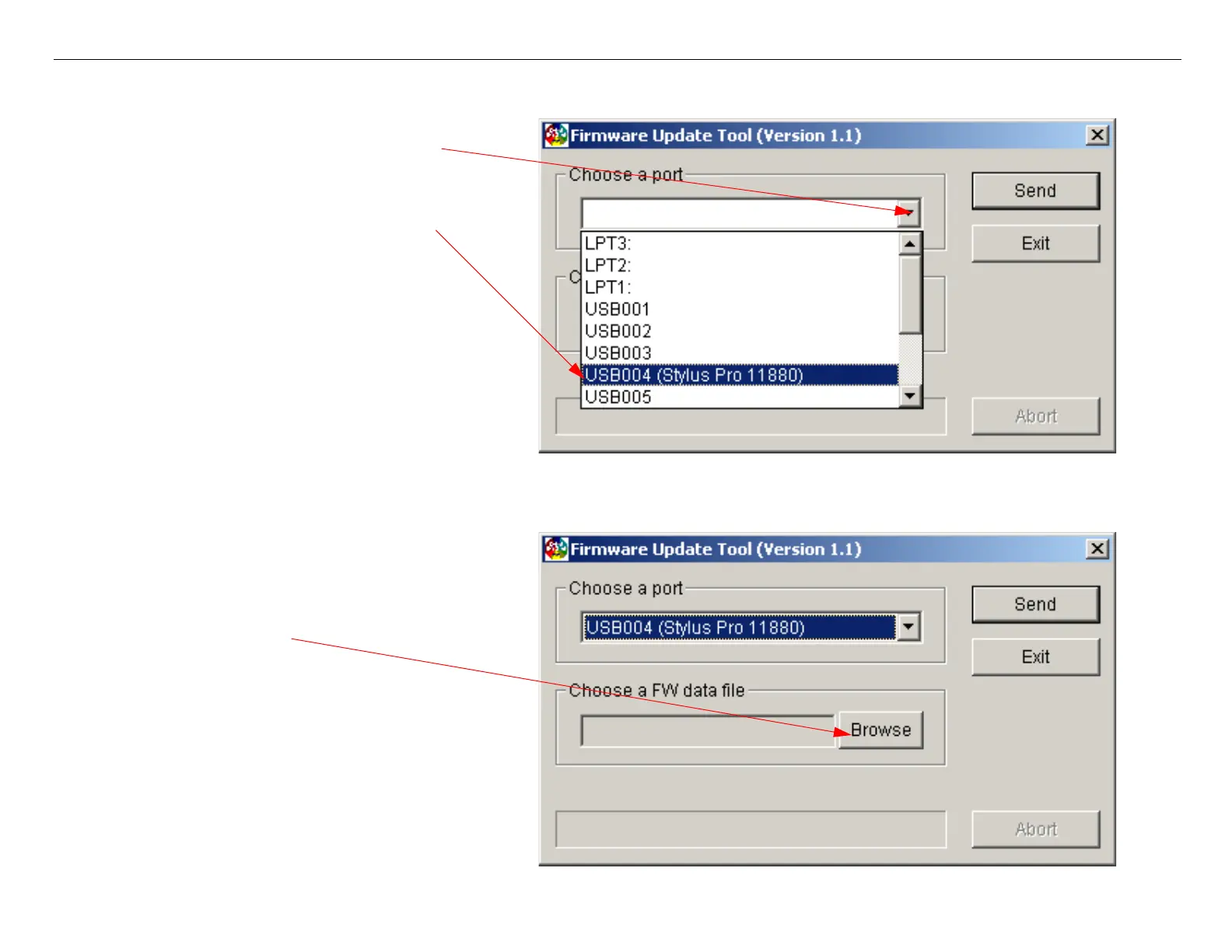
3. Choose a Port/Printer.
4. Click on
Browse and navigate to the Firmware File to be uploaded to the Printer.
2. Select the Port that is connected
to the Printer that requires firm-
1. Click on the Down Arrow to open
up the list of Ports.



 To Next Page
 Loading...









