146
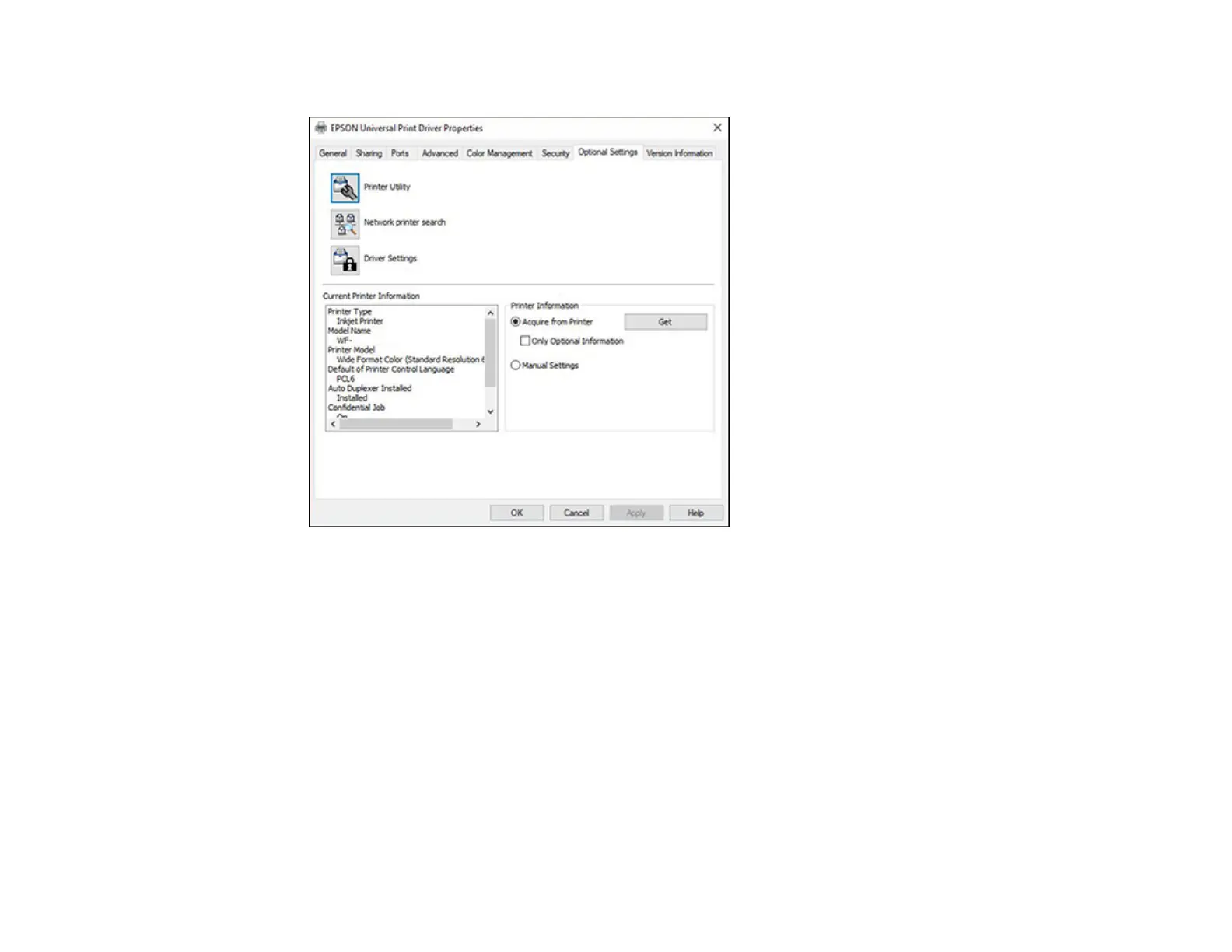
You see this window:
3. Make sure Acquire from Printer is selected and click Get.
Note: Select the Only Optional Information checkbox if you only want to enable optional
equipment, such as an optional cassette unit.
The product's settings and other information appears in the Current Printer Information area.
4. Click OK.
Parent topic: Printing with the Epson Universal Print Driver - Windows
Related tasks
Enabling the Optional Paper Cassettes - Windows















 To Next Page