29
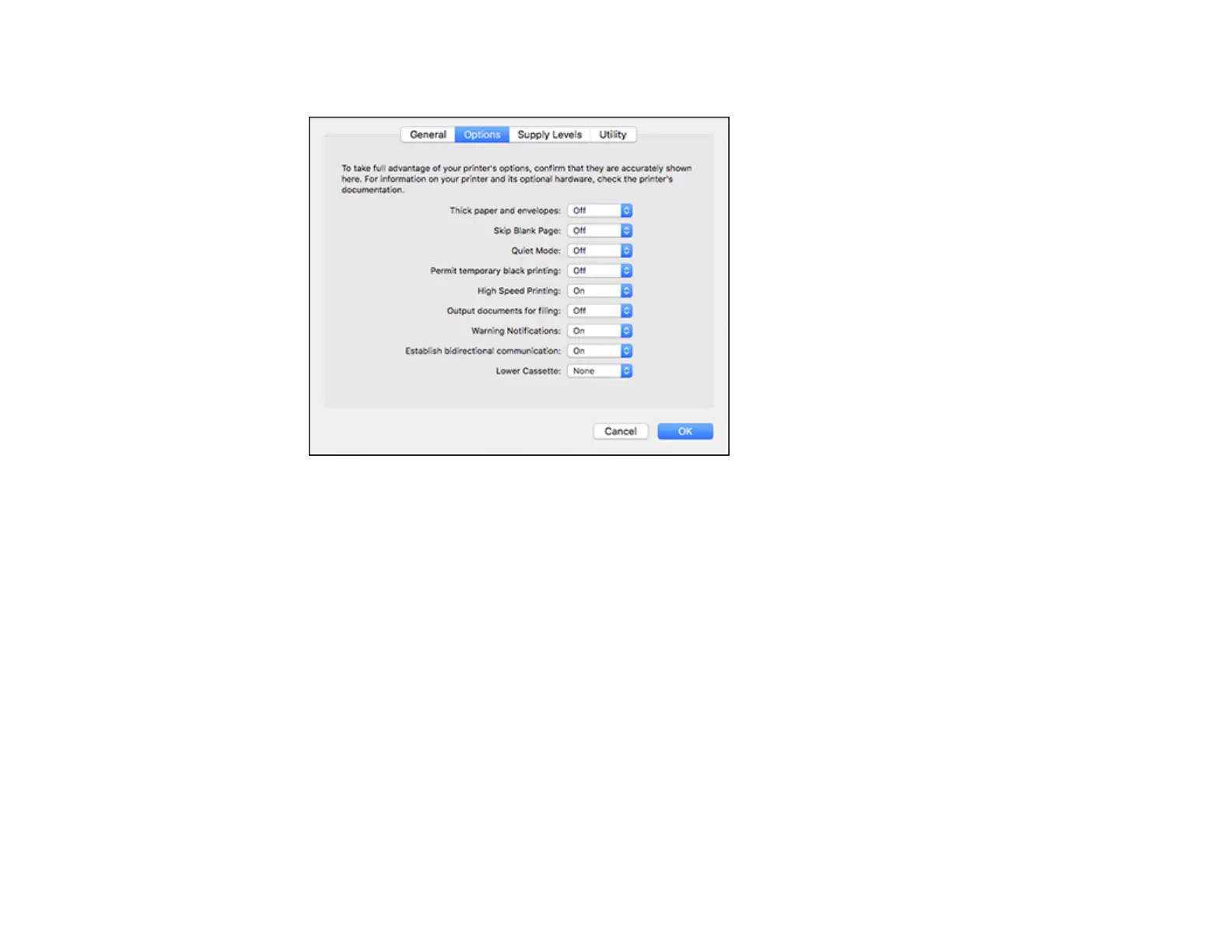
You see a screen like this:
4. Select the number of cassette units installed as the Lower Cassette setting.
5. Click OK.
The optional paper cassettes are now enabled.
Parent topic: Installing the Optional Paper Cassette Units
Related tasks
Enabling the Optional Paper Cassettes - PostScript Printer Software - Mac
Using the Control Panel
See these sections to learn about the control panel and select control panel settings.
Control Panel Buttons and Lights
Changing LCD Screen Language
Selecting the Date and Time
Setting a Password and Locking the Control Panel
Adjusting the Screen Brightness















 To Next Page