30
Turning Off the Operation Time Out Setting
Preventing PC Connection via USB
Parent topic: Product Basics
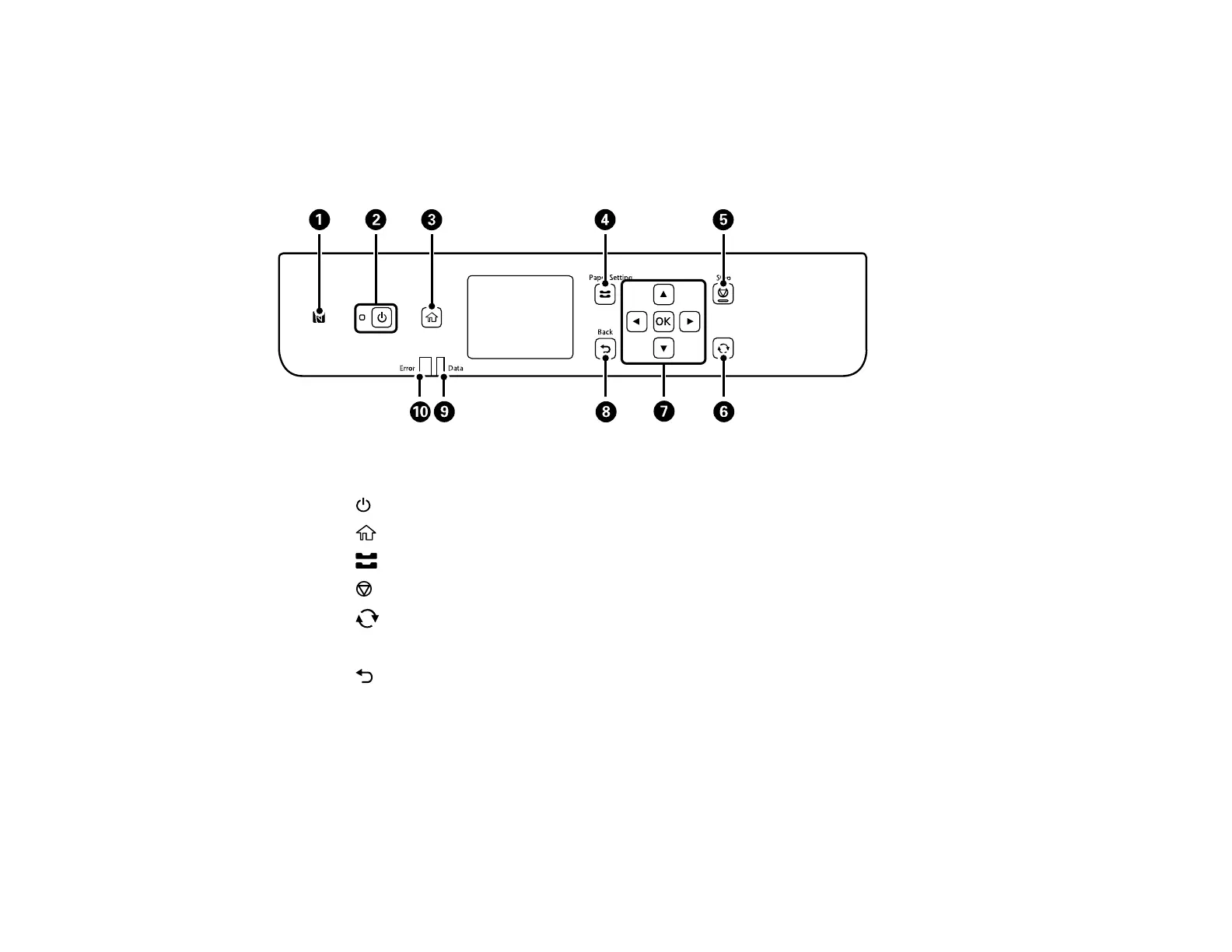
Control Panel Buttons and Lights
1 The NFC tag
2
The power button and light
3
The home button
4 The Paper Setting button
5
The Stop button
6
The reset button
7 The arrow buttons and the OK button
8 The Back button
9 The Data light
10 The Error light
Status Icon Information
Parent topic: Using the Control Panel















 To Next Page