37
Note: This setting can be locked by an administrator. If you cannot access this setting, contact your
administrator for assistance.
1. Press the home button, if necessary.
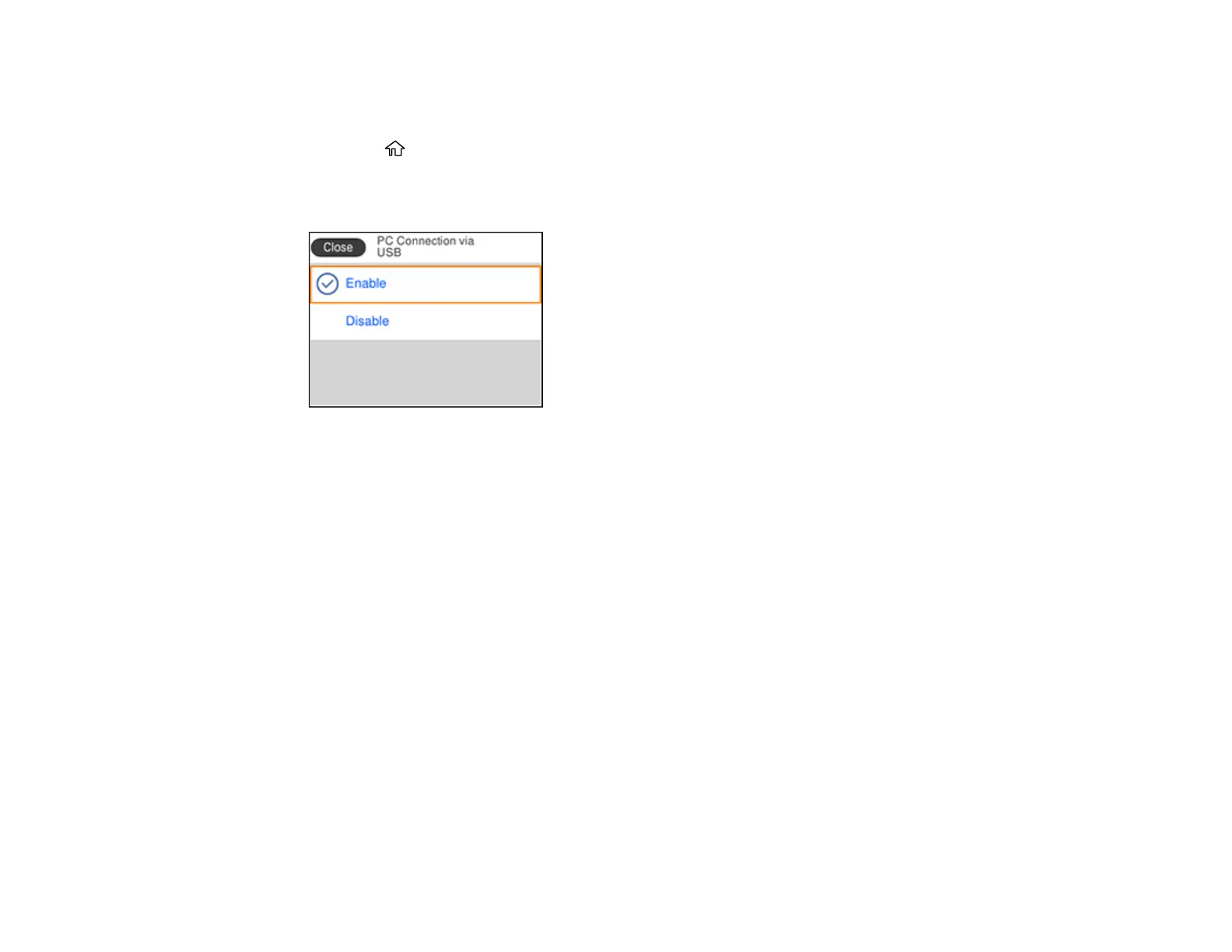
2. Select Settings > General Settings > Printer Settings > PC Connection via USB.
You see a screen like this:
3. Select Disable and press the OK button.
Parent topic: Using the Control Panel
Product Parts Locations
See these sections to identify the parts on your product.
Product Parts - Front
Product Parts - Inside
Product Parts - Back
Parent topic: Product Basics















 To Next Page