94
Parent topic: Loading Paper
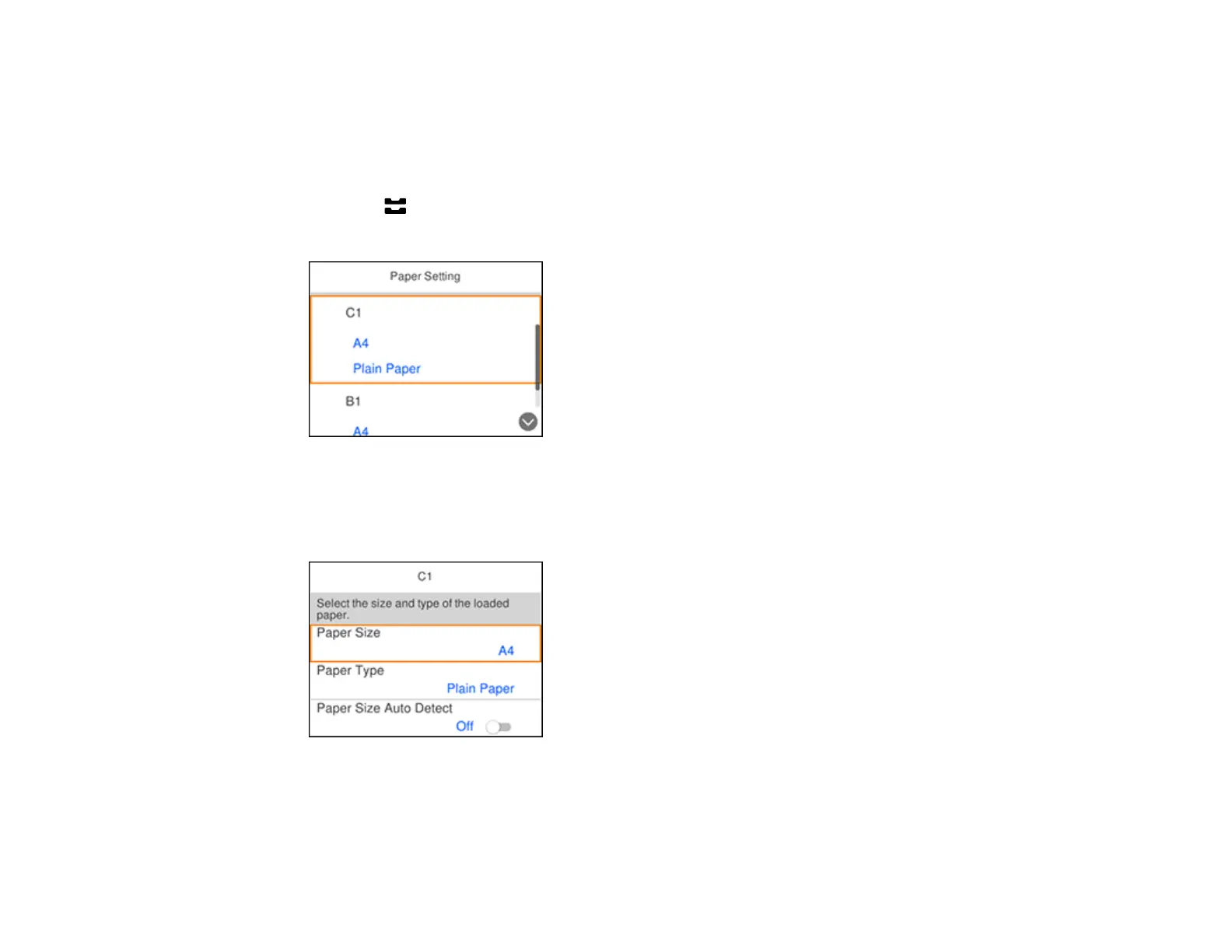
Selecting the Paper Settings for Each Source - Control Panel
You can change the default paper size and paper type for each source using the control panel on the
product.
1. Press the Paper Setting button.
You see a screen like this:
2. Select the paper source you want to select settings for, based on the letter labeling the source on
your product.
You see a screen like this:
3. Select Paper Size.
4. Select the paper size you loaded.
5. Select Paper Type.















 To Next Page