217
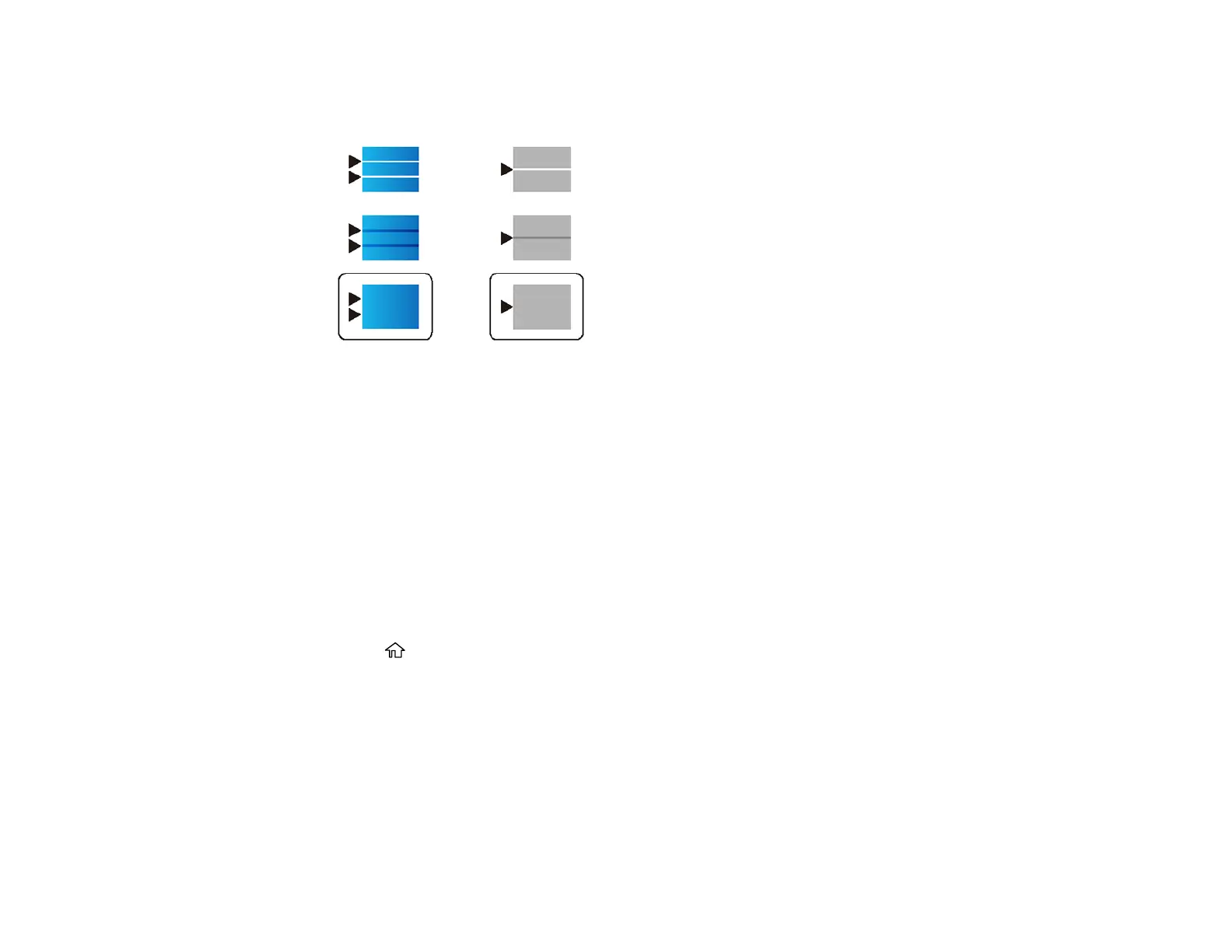
• For patterns 3 and 4, select the number representing the pattern with the least amount of
separation or overlap.
8. Select Done.
Parent topic: Print Quality Adjustment
Related topics
Loading Paper
Adjusting the Quality for Each Paper Type
If you still notice dark or light bands in your printouts after adjusting the print quality, you can adjust the
quality for each paper type.
1. Make sure there are no errors on the LCD screen.
2. Load a few sheets of plain paper in the product.
3. Press the home button, if necessary.
4. Select Maintenance.















 To Next Page