216
3. Press the home button, if necessary.
4. Select Maintenance.
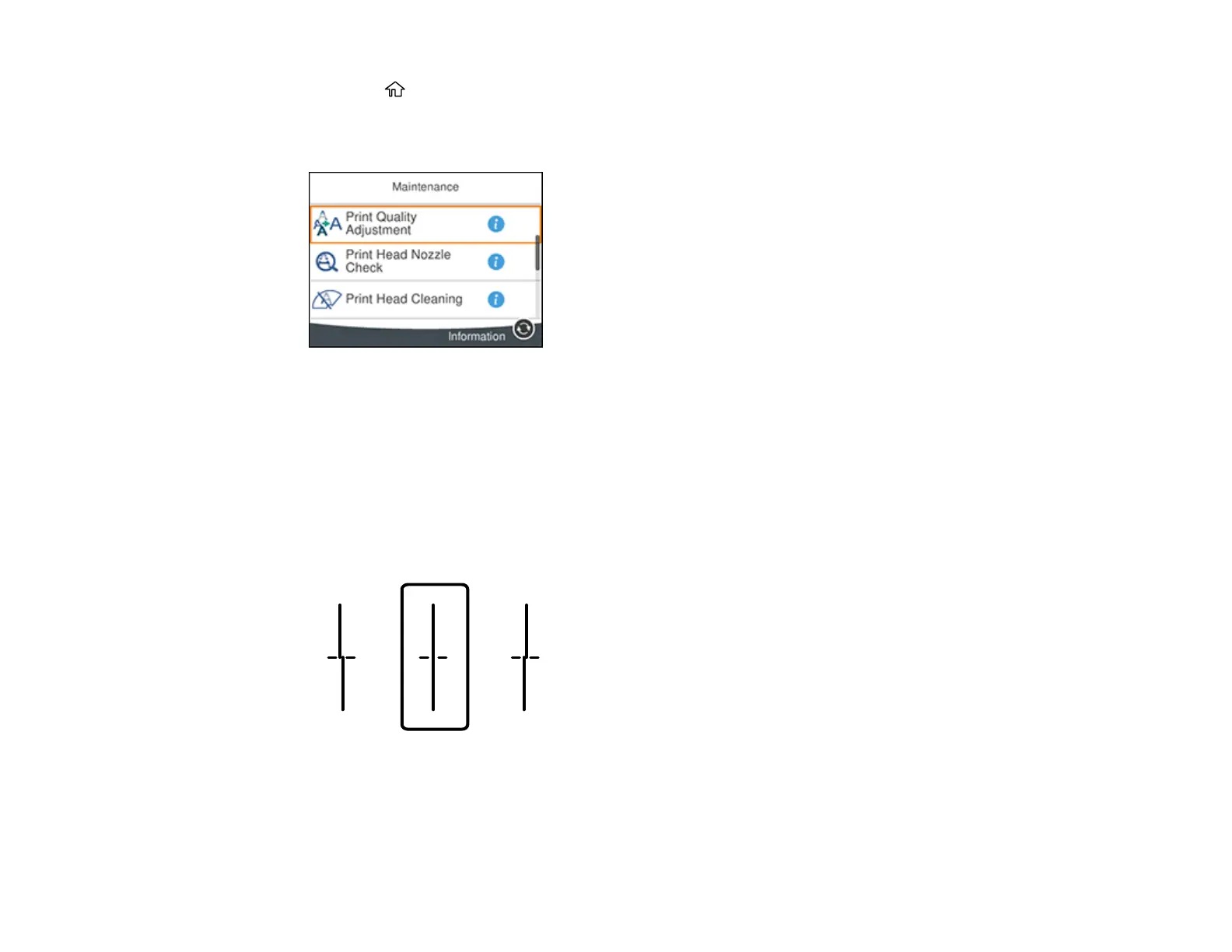
You see a screen like this:
5. Select Print Quality Adjustment.
6. Follow the on-screen instructions to print an alignment sheet.
Note: Do not cancel printing while you are printing head alignment patterns.
7. Check the printed patterns on the alignment sheet and select the following on the LCD screen:
• For patterns 1 and 2, select the number representing the pattern with the least misaligned vertical
line.















 To Next Page