59
Enabling Wi-Fi Direct Mode
You can enable Wi-Fi Direct mode to allow direct communication between your product and computer or
other devices without a wireless router or access point.
1. Press the home button, if necessary.
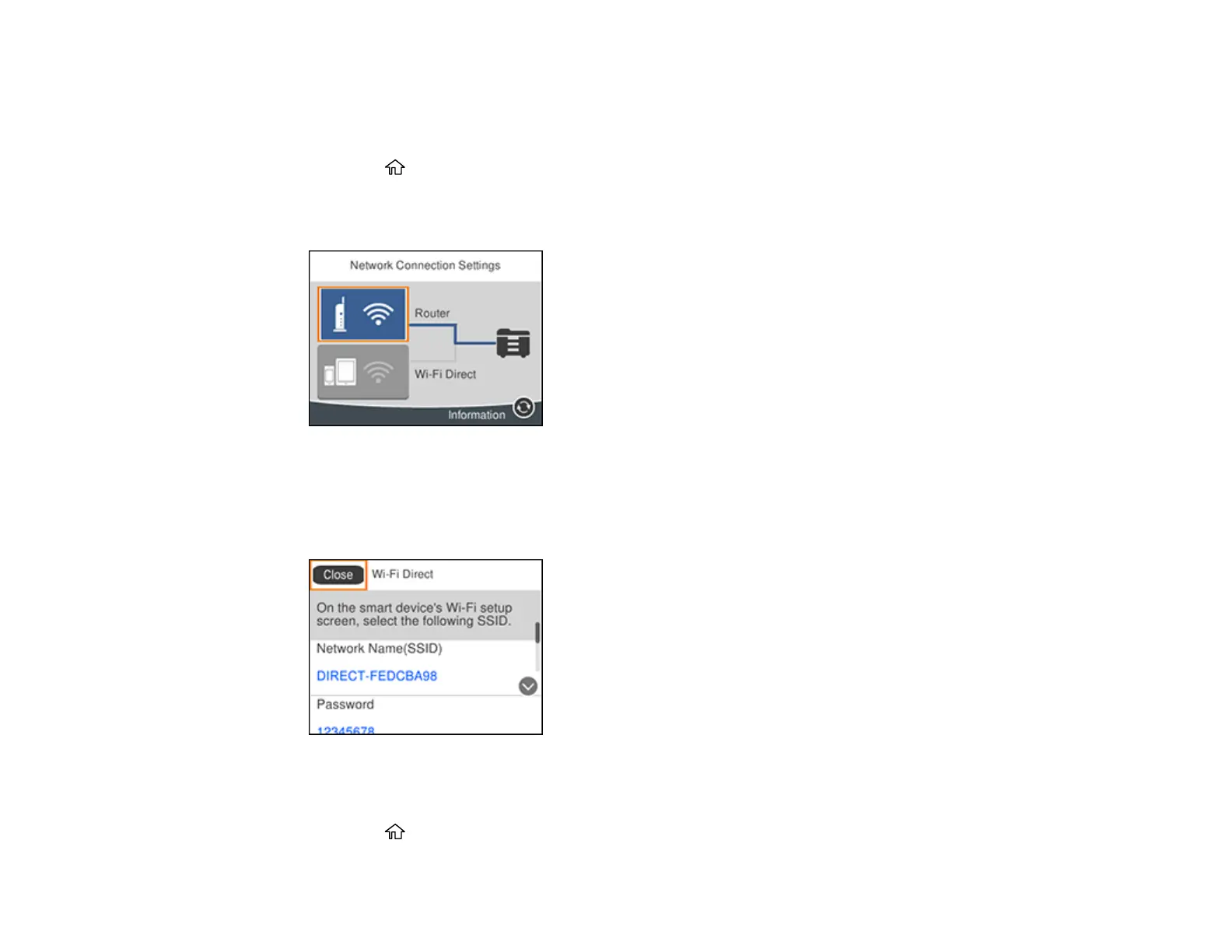
2. Select Wi-Fi.
You see a screen like this:
3. Select Wi-Fi Direct > Start Setup.
4. Select Start Setup again.
You see a screen like this:
5. Use your computer or wireless device to select the Wi-Fi network name (SSID) displayed on the
LCD screen, then enter the password shown.
6. Press the home button to exit.















 To Next Page