218
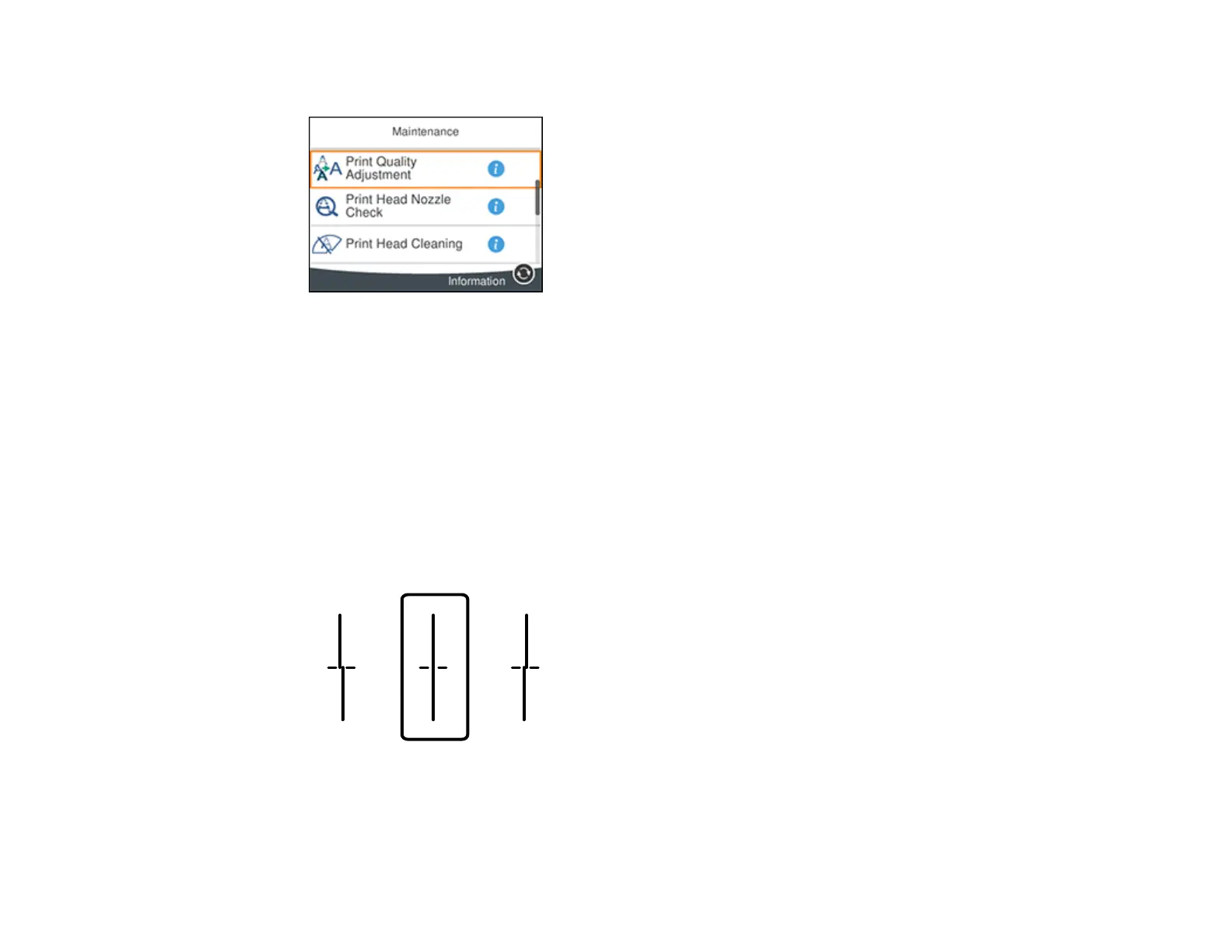
You see a screen like this:
5. Scroll down and select Print Quality Adjustment per Paper.
6. Select one of the following options:
• Print Pattern to adjust the paper type for your printer
• Enter Set Value to enter paper type alignment information for use on multiple printers of the same
model
7. Select a paper type.
8. If you printed a pattern, check the printed patterns on the alignment sheet and select the following on
the LCD screen:
• For patterns 1 and 2, select the number representing the pattern with the least misaligned vertical
line.















 To Next Page