199
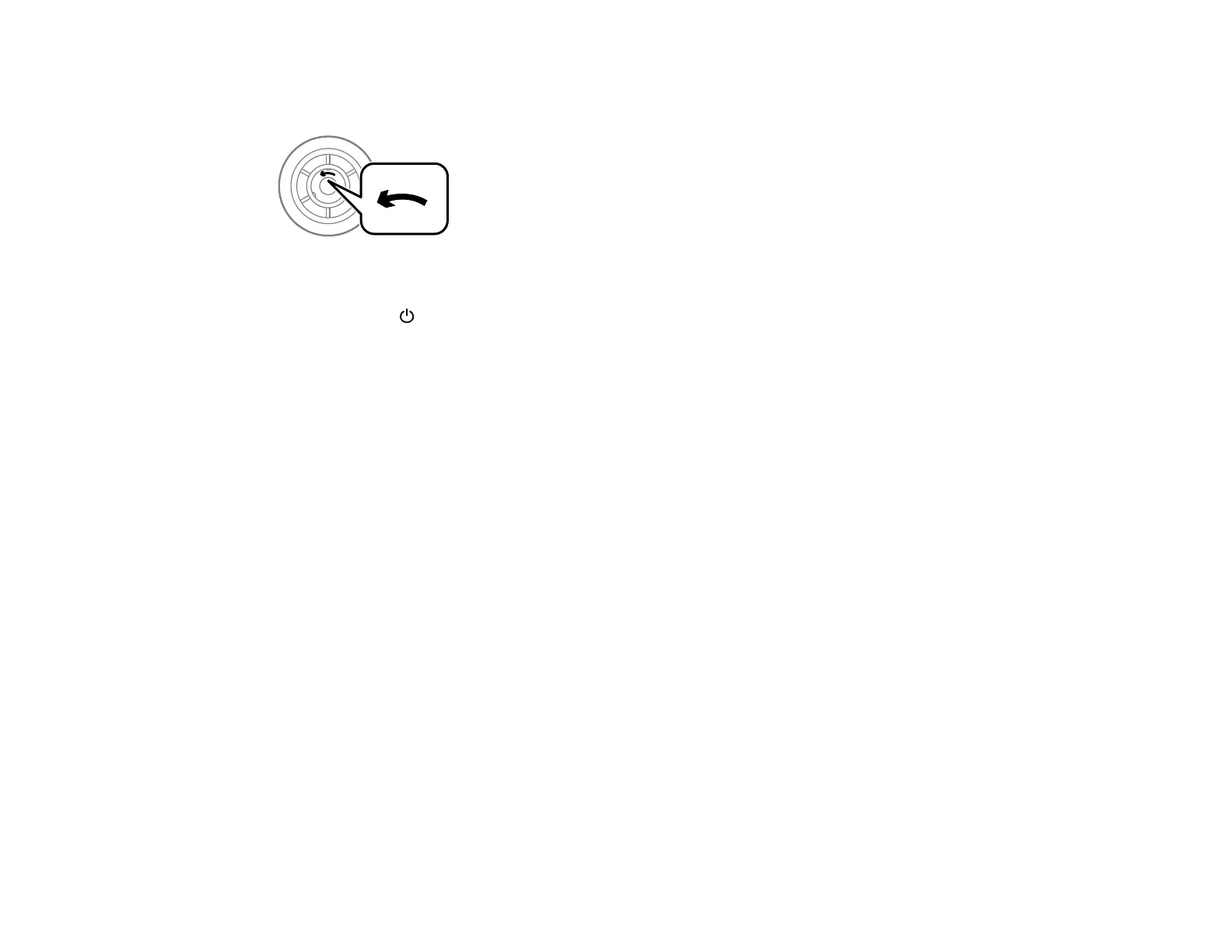
Note: Check that the arrows on the rollers point counterclockwise before installing them in paper
cassettes 2 to 4. There are different rollers for paper cassette 1 and the other paper cassettes.
1. Turn off the product.
2. Wait for the power light to turn off, then unplug the power cord.
3. Remove the replacement rollers from their package.
Caution: If there is any dirt or dust on the rollers, clean them with a soft, moist cloth. Using a dry
cloth can damage the surface of the roller.















 To Next Page