213
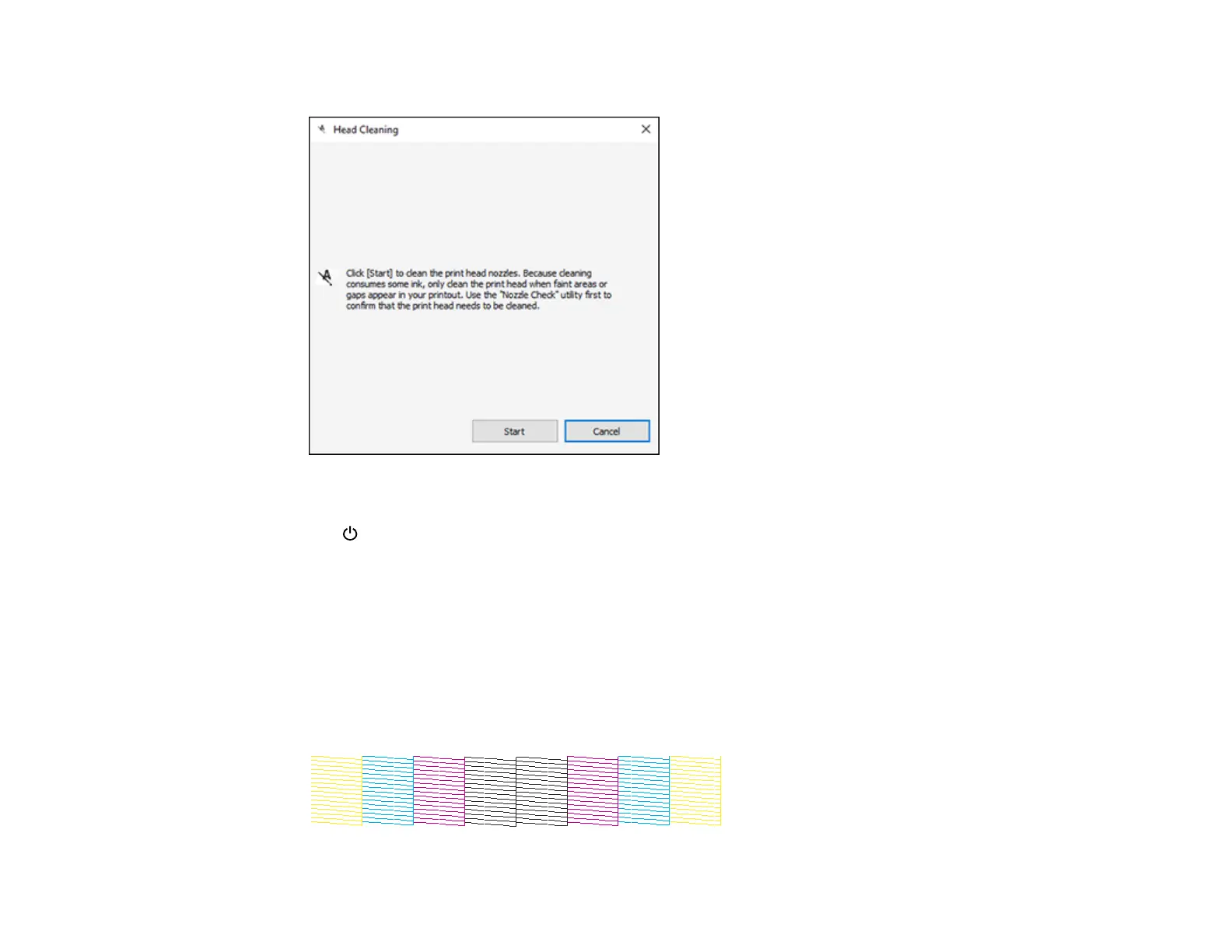
You see a window like this:
5. Click Start to begin the cleaning cycle.
The power light flashes throughout the cleaning cycle and stays on when the cleaning cycle is
finished.
Caution: Never turn off the product or open the front cover during a cleaning cycle or you may not
be able to print.
6. When the cleaning cycle is finished, you can check to see if the nozzles are clean; click Print Nozzle
Check Pattern and click Print.
7. Check the printed pattern to see if there are gaps in the lines.
Print head is clean















 To Next Page