220
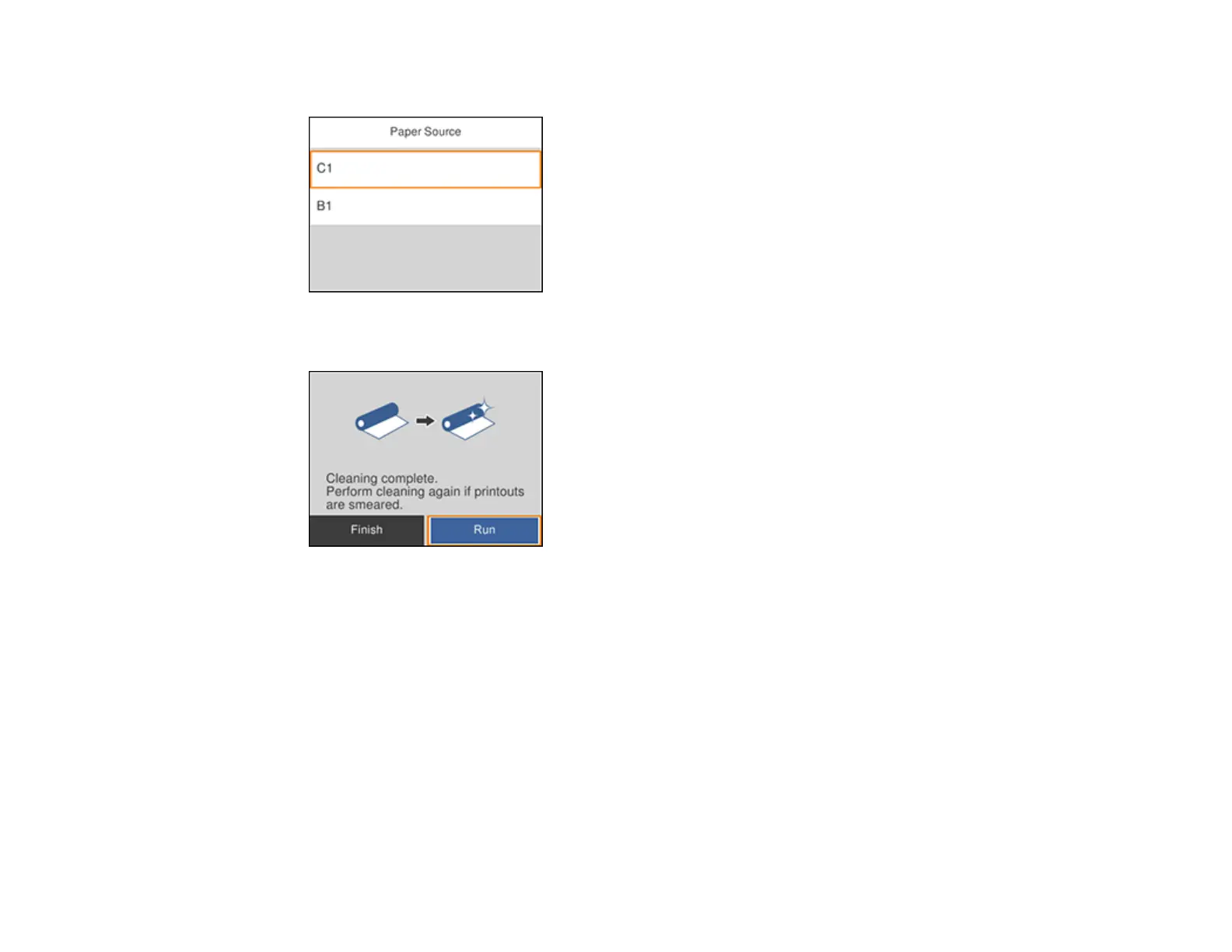
You see a screen like this:
4. Select the paper source you want to clean and select Start.
5. Do one of the following:
• If the paper came out clean, select Finish.
• If the paper did not come out clean, select Run to clean the paper guide again. Repeat these
steps as necessary until the paper comes out clean. If you are using a cleaning sheet, repeat
these steps up to 3 times.
Note: If the paper is still smeared or scuffed, repeat these steps to clean the other paper sources.
Parent topic: Adjusting Print Quality
Related topics
Loading Paper















 To Next Page